How to make a game with Claude Code (and publish it)
Connect Claude Code to iDos Games over MCP and let it scaffold a browser game, add a backend with ready systems, generate assets and deploy the game to its own address.
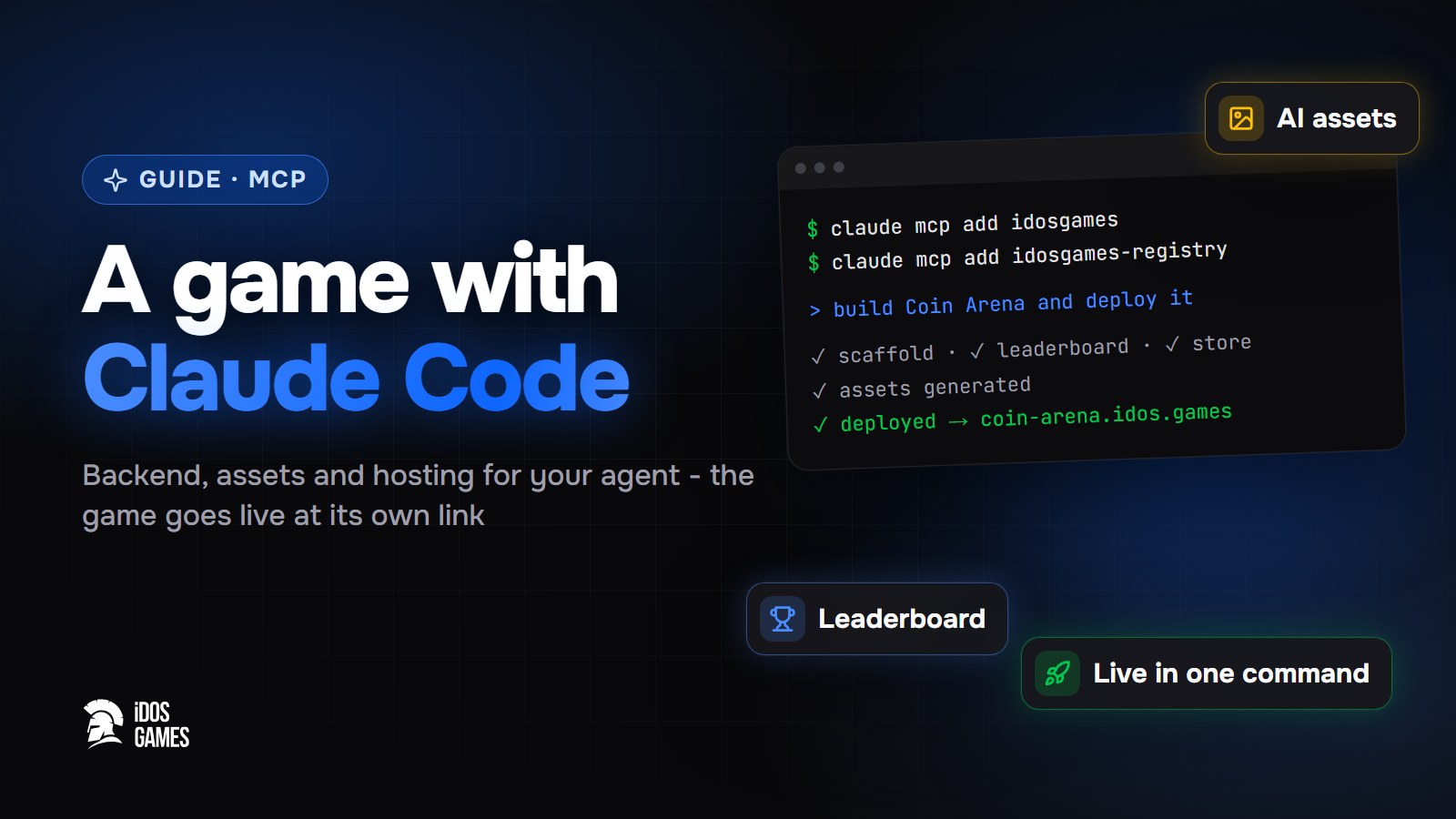
To make a game with Claude Code, create an app on iDos Games, connect Claude Code to the two iDos Games MCP
servers, ask it to start from the idosgames-getting-started skill, and describe the game. Claude Code gets a project scaffold with sign-in and a
lobby, ready backend systems (store, quests, leaderboards, multiplayer rooms…), asset generation and a command to
deploy - so the result is a live game with its own link, not a folder of code.
Why an agent needs a platform
A coding agent writes a client quickly, but a real game also needs accounts, saved progress, an economy, leaderboards and hosting. Without them the result stays a single-player demo on your computer. iDos Games gives the agent all of this as ready parts it can call.
Step 01Create the app on iDos Games
Create the app once on Create or in the dashboard - the agent works with apps that already exist in your account and finds them by name. You can skip the AI coder there and continue in Claude Code.
Step 02Connect the MCP servers
In a terminal:
claude mcp add --transport http idosgames https://site.idosgames.com/api/v2/mcp
claude mcp add idosgames-registry -- npx -y @idosgames/mcp
Restart Claude Code, run /mcp and sign in to "idosgames" in the browser. You choose which apps the agent may work
with; no API keys are needed. More options - in building with AI agents over MCP.
Step 03Start the project
Ask Claude Code:
Load the skill idosgames-getting-started and build my app "Coin Arena": a top-down arena where the player dodges projectiles and collects coins.
The agent finds the app in your account and scaffolds the project from the SDK: sign-in, lobby, profile, inventory, quests and the other base systems are already in place. How the project is organized - in the SDK overview.
Step 04Add game systems
Ask for features in plain words - the agent installs the ready system instead of writing a new backend:
- "Add a leaderboard by best score with weekly resets."
- "Add a store with three coin packs."
- "Let friends play together in a room."
Step 05Generate assets
The app data server can generate images, sound, music, video and 3D models:
Generate a sprite for the player ship and a looping background track, and use them in the game.
Step 06Deploy
Build the game, upload the build and deploy it.
The game goes live at its own address. Publish it to the idosgames.com catalog in the dashboard when you are ready to show it to everyone. Every next deploy replaces the live version, and the dashboard rolls back to the previous one in one click. See publishing.

About the author
Aidos RyskeldinovFounder of iDos Games
Lifelong gamer and tech enthusiast. Since 2020 I have been building and shipping cross-platform games and apps, and today I'm building iDos Games: a platform where anyone can make a game with AI, put it live at its own link and earn from it. Here I share how to make games faster and easier than you'd think.
Frequently asked questions
Can Claude Code make a full game, not just code snippets?
Yes, when it has a backend and a project scaffold to build on. Connected to iDos Games over MCP, Claude Code gets a ready project with sign-in and a lobby, ready game systems, asset generation and a way to deploy the game.
Does this work with ChatGPT, Cursor or Codex?
Yes. Both iDos Games MCP servers work with any MCP client; the setup for each one is on idosgames.com/mcp.
Where is the game hosted?
On iDos Games. Each game gets its own address at {id}.idos.games and can be listed in the idosgames.com catalog.
Learn more in the documentation
- Build with AI agents over MCPConnect iDos Games to Claude, ChatGPT, Claude Code, Cursor or any MCP client - one remote server works with your live apps, a local one gives agents the SDK modules and skills.
- TypeScript SDK and project structureHow an iDos Games project is built - the @idosgames npm packages, a host shell with sign-in and lobby, feature modules for systems and games, and one config file for the look.
- Publish and share your game or appHow publishing works on iDos Games - a test version and a live version, your app's own address, a page in the catalog, custom domains and one-click rollback.
Make your own game
Describe the idea in a sentence - the AI coder builds it, and it goes live at its own link.