

How to make a game with AI without coding
A step-by-step guide to making a browser game with AI and no programming: describe the idea, let the AI coder build a playable game, change it by chatting and publish it at its own link.
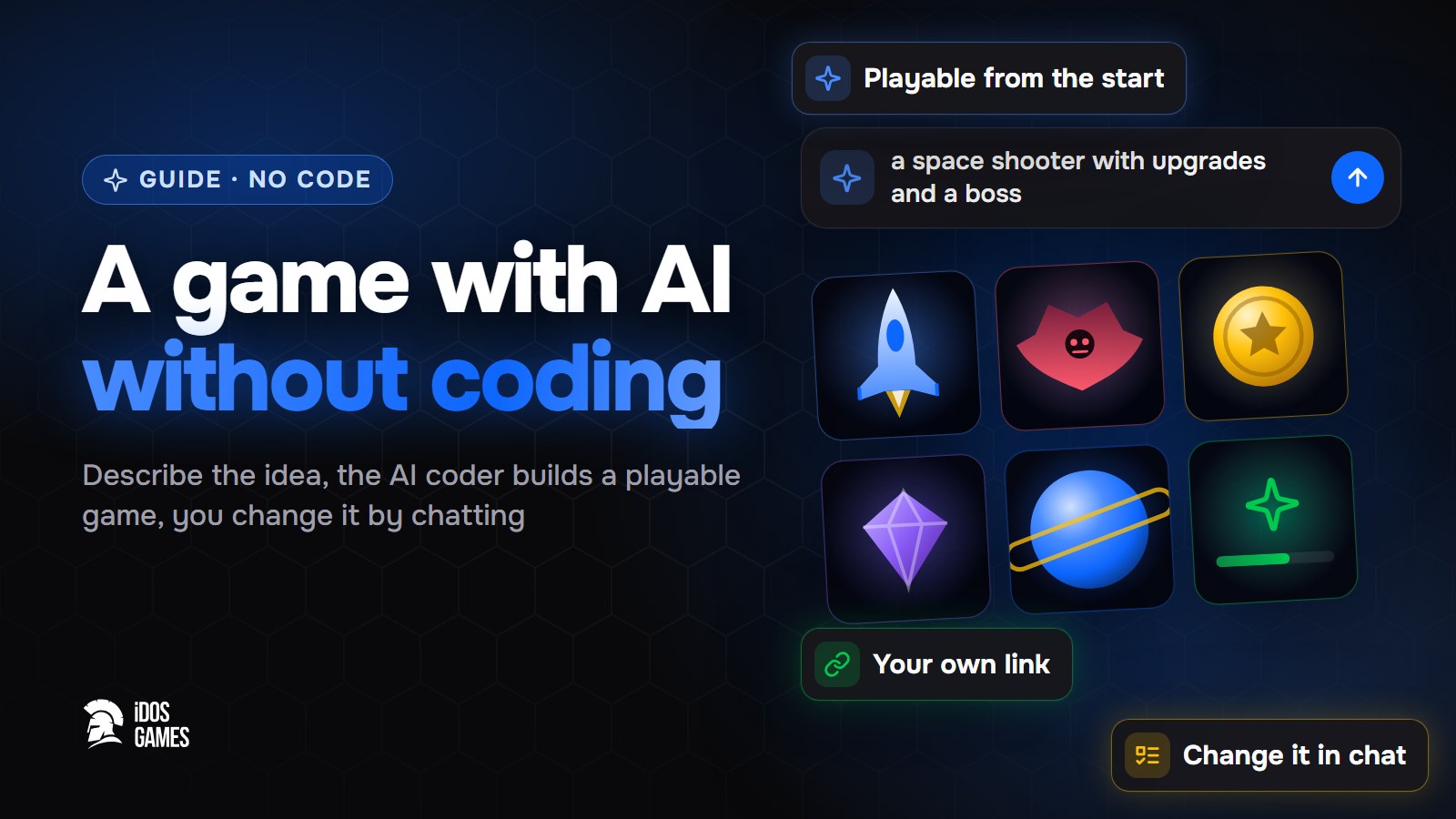
To make a game with AI without coding, describe the idea on iDos Games, answer a few questions, and the AI coder builds a playable browser game. Then you change it by chatting: each request edits the code and the live preview shows the result. When it looks right, you publish the game at its own link.
The usual advice for AI game making is the same everywhere: start small, describe in plain words, change one thing at a time. The hard part is everything around the game: accounts, saved progress, a store, hosting. On iDos Games that part is already there, so you only work on the game itself.
Step 01Describe the idea
Open Create and write a sentence or two, for example: "an idle RPG where a knight fights waves of monsters and upgrades his sword". You can start typing before you sign in.
Step 02Answer a few questions
The platform asks about genre, style and setting. From the answers it picks a starting template, so the project is playable right away instead of starting from an empty screen. Sign-in, a lobby, a profile, an inventory, friends, quests and mail are already in it - see what is included.
Step 03Change the game by chatting
You land in the AI coder. Ask for one change at a time:
- "Make the background a night forest and add rain."
- "Add a shop where the player buys upgrades for coins."
- "Add a daily quest: defeat 20 monsters."
Say what you see, not how to code it: "the jump feels slow" works better than technical instructions. Every change is saved as a version, so you can go back if something breaks. More tips - in create with AI.
Step 04Publish
Deploy the checked version. The game opens at its own address, you can share the link with friends and later publish it to the idosgames.com catalog. Every next deploy replaces the live version, and a rollback is one click. See publishing.
What to do next
- Add a leaderboard, events or multiplayer by asking for them in the chat.
- Optionally launch your own token for the game on the website.

About the author
Aidos RyskeldinovFounder of iDos Games
Lifelong gamer and tech enthusiast. Since 2020 I have been building and shipping cross-platform games and apps, and today I'm building iDos Games: a platform where anyone can make a game with AI, put it live at its own link and earn from it. Here I share how to make games faster and easier than you'd think.
Frequently asked questions
Can I make a game with AI if I have never programmed?
Yes. You describe the game in plain words and answer a few questions; the AI coder writes the code. You change the game by asking for changes in chat.
How long does it take to get a playable game?
A new project is playable right after creation, because it starts from a ready template that fits your idea. After that the game grows one change at a time.
Can I edit the code later?
Yes. The project is ordinary TypeScript code. You can edit it in the dashboard, connect GitHub or work on it with your own AI agent.
Learn more in the documentation
- Create a game or app with AIHow to turn an idea into a working browser game or app on iDos Games - describe it, answer a few questions, then refine it with the AI coder in a live preview.
- What is included in a new projectEvery new iDos Games project starts with sign-in, a lobby and six ready systems; more systems such as a store, leaderboards, events or multiplayer are added when the app needs them.
- Publish and share your game or appHow publishing works on iDos Games - a test version and a live version, your app's own address, a page in the catalog, custom domains and one-click rollback.
Make your own game
Describe the idea in a sentence - the AI coder builds it, and it goes live at its own link.
All articles
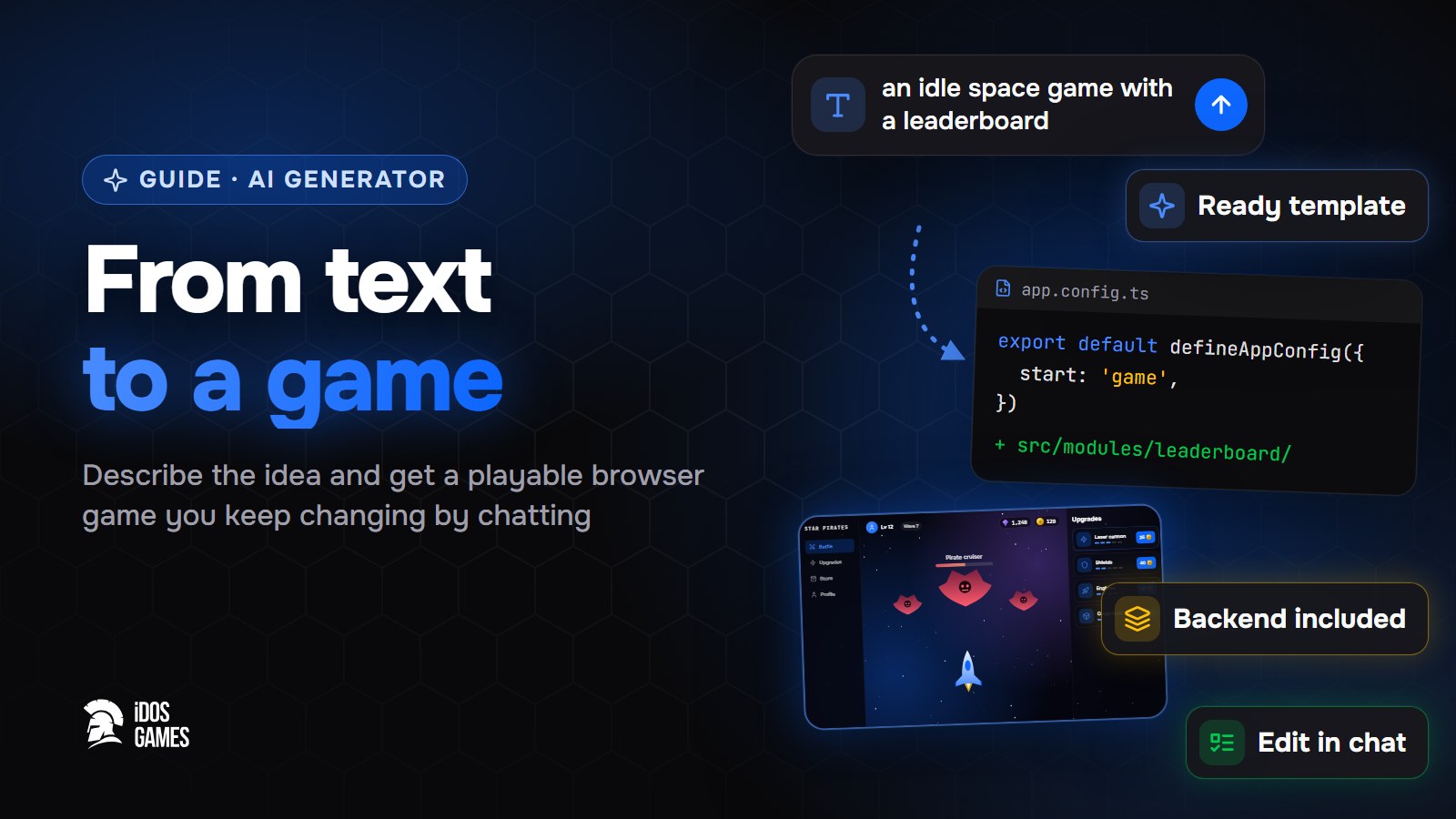 Games with AIAI game generator: from text to a playable gameWhat to look for in an AI game generator and how a text description becomes a playable browser game on iDos Games - a ready template, an AI coder you talk to, a backend and publishing included.Aidos Ryskeldinov1 min read
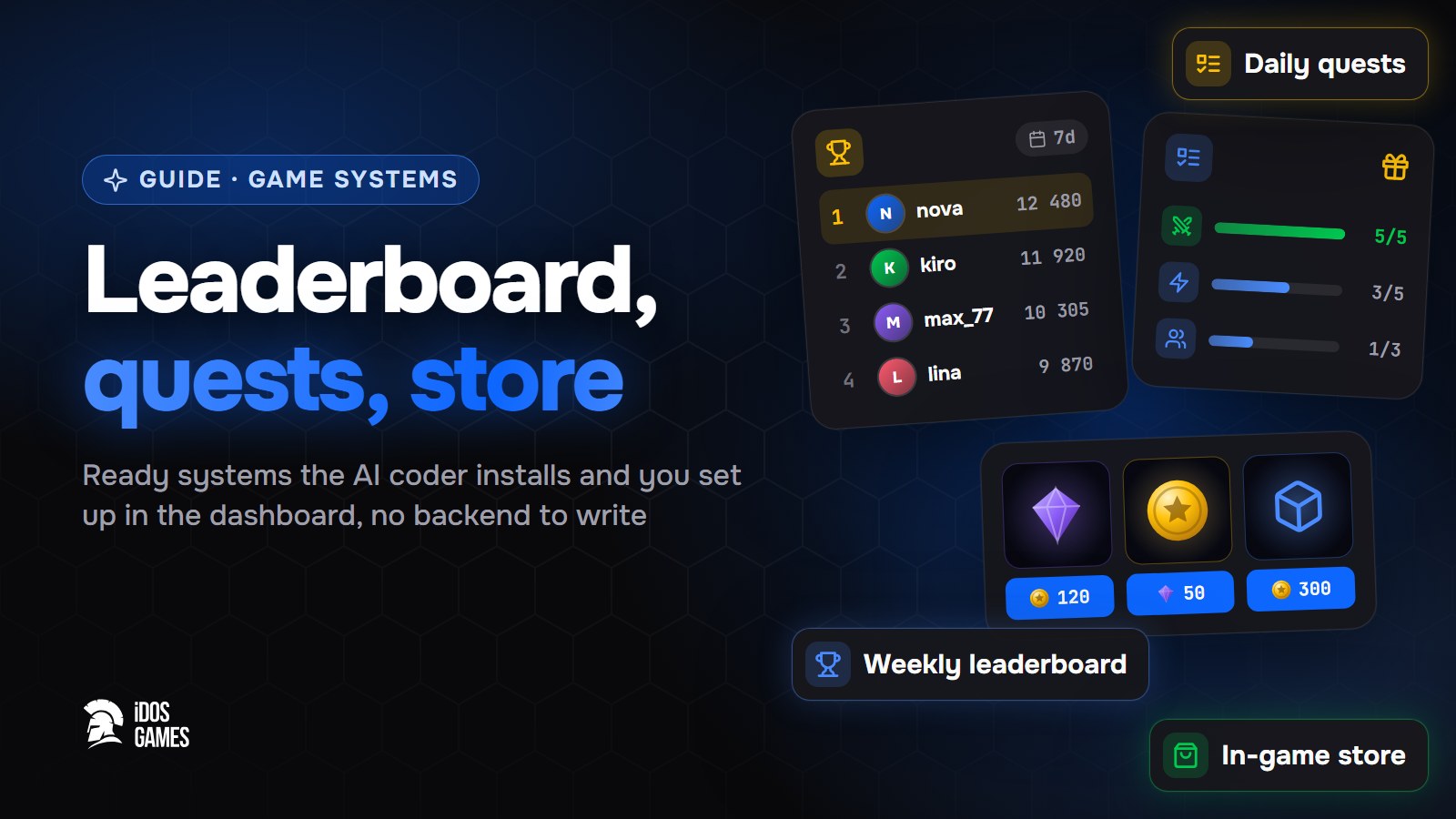 Games with AIHow to add a leaderboard, quests and a store to a web gameHow to add a weekly leaderboard, daily quests and an in-game store to a browser game without writing a backend: ready systems that the AI coder installs and you set up in the dashboard.Aidos Ryskeldinov2 min read
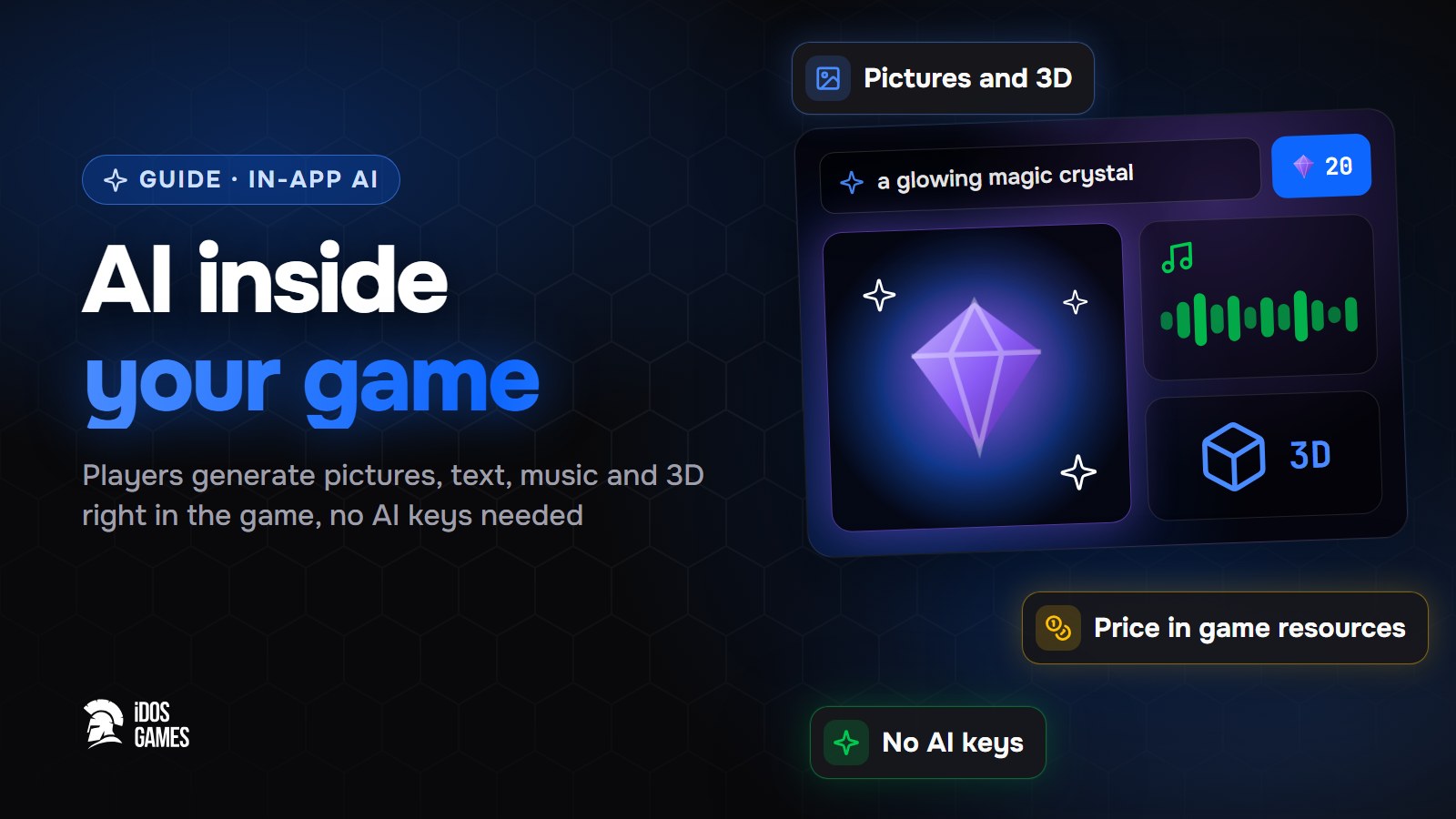 Games with AIHow to add AI inside your game: pictures, text and 3D for playersHow to let players generate pictures, text, voice, music, video and 3D models right inside your browser game - without your own AI keys or server, with a price in game resources that you set.Aidos Ryskeldinov2 min read