

How to add a leaderboard, quests and a store to a web game
How to add a weekly leaderboard, daily quests and an in-game store to a browser game without writing a backend: ready systems that the AI coder installs and you set up in the dashboard.
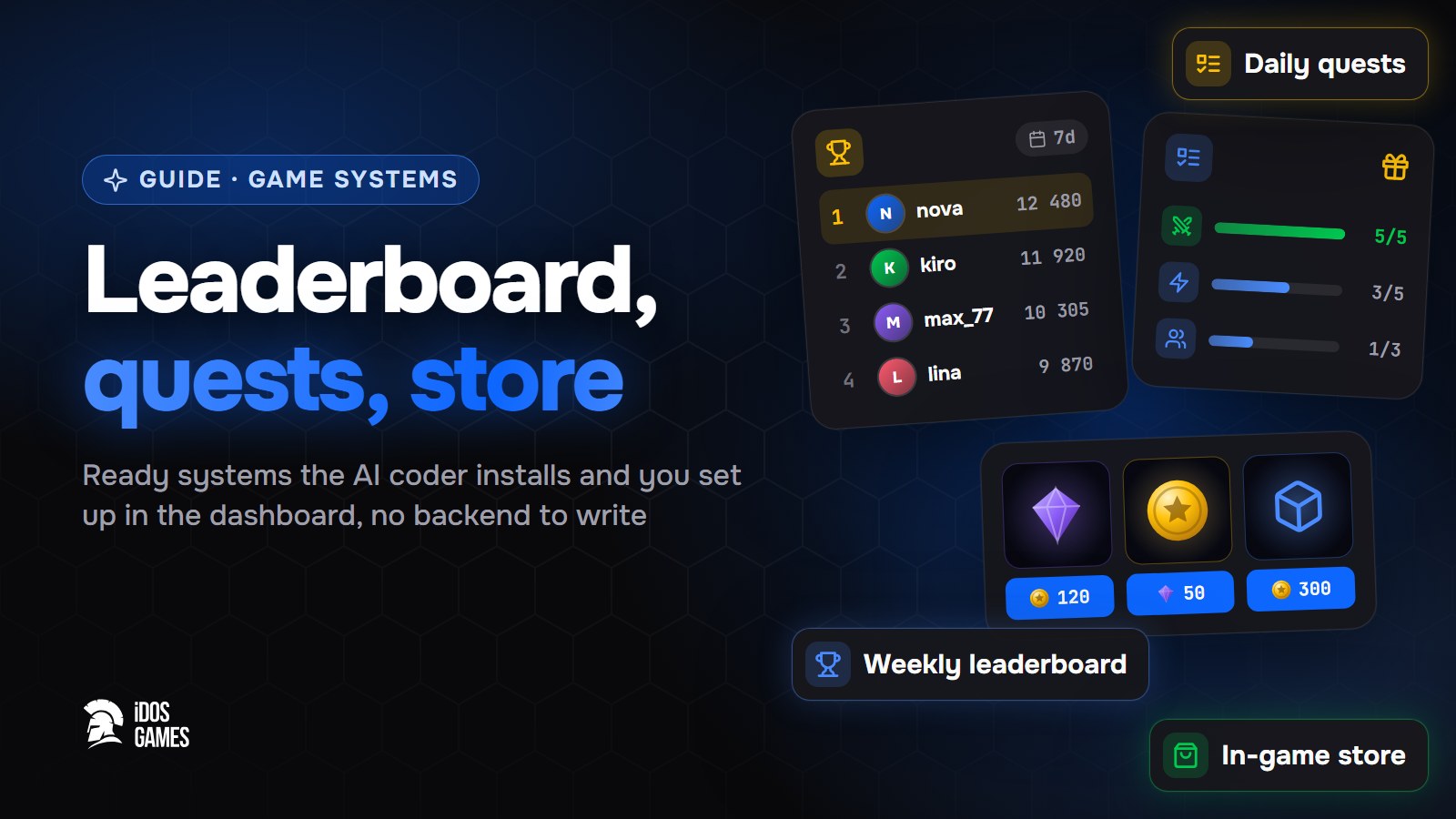
To add a leaderboard, quests and a store to a web game, ask the AI coder for each one and set it up in the dashboard - all three are ready systems that run on the iDos Games server. You do not write a backend: the server counts scores, quest progress and purchases, and the game only shows the screens.
These three systems answer three reasons to come back: to beat others, to finish today's tasks and to get something new. Together they turn a game you try once into a game you open every day.
Leaderboard
Ask the AI coder: "Add a weekly leaderboard by best score". It installs the leaderboard and teaches the game to submit the result. In Live Operations → v2 → Leaderboard set the round schedule, how the score is counted and the rewards for rank.
Set limits on the score the game submits, so a player cannot send a huge number.
Quests
Quests are already in every new project. In Live Operations → v2 → Quest create a daily cycle and a few tasks, then ask the AI coder: "Count monsters_defeated every time a monster is defeated". A points track with chests and a bonus for a group of tasks work at the same time.
Store
Ask "Add a shop", then in Live Operations → v2 → Store create offers and put them on a storefront. A free daily gift with a limit is a good first offer. The store server checks the price and limits of every purchase.
Connect them
- A quest "buy something in the store" - the server counts purchases by itself.
- Store rewards for the top of the leaderboard.
- A daily quest for playing a ranked round.
Each system's tab appears for players only after it is configured, so you can add them one by one.

About the author
Aidos RyskeldinovFounder of iDos Games
Lifelong gamer and tech enthusiast. Since 2020 I have been building and shipping cross-platform games and apps, and today I'm building iDos Games: a platform where anyone can make a game with AI, put it live at its own link and earn from it. Here I share how to make games faster and easier than you'd think.
Frequently asked questions
Do I need my own server for a leaderboard?
No. The iDos Games server counts scores, ranks and rewards; the game only submits results and shows the ranking.
Can players cheat the leaderboard?
A board takes a number from the game only through a source with limits: a maximum per submission, per day and a pause between submissions.
Are quests already in my project?
Yes. Quests are part of every new project; their tab appears for players as soon as at least one quest is set up.
Learn more in the documentation
- In-game leaderboard: ranking, rounds and rewardsHow the ready-made iDos Games leaderboard works - boards with rounds, rewards for rank and for points, protection from inflated scores - and how to set it up in the dashboard.
- In-game quests: daily tasks and rewardsHow the ready-made iDos Games quests work - daily, weekly and one-time tasks, a points track with chests and a bonus for a group of tasks - and how to set them up in the dashboard.
- In-game store: storefronts, offers and pricesHow the ready-made iDos Games store works - storefronts with rotating offers, prices in game currency or real money, free gifts and purchase limits - and how to set it up in the dashboard without code.
Make your own game
Describe the idea in a sentence - the AI coder builds it, and it goes live at its own link.
All articles
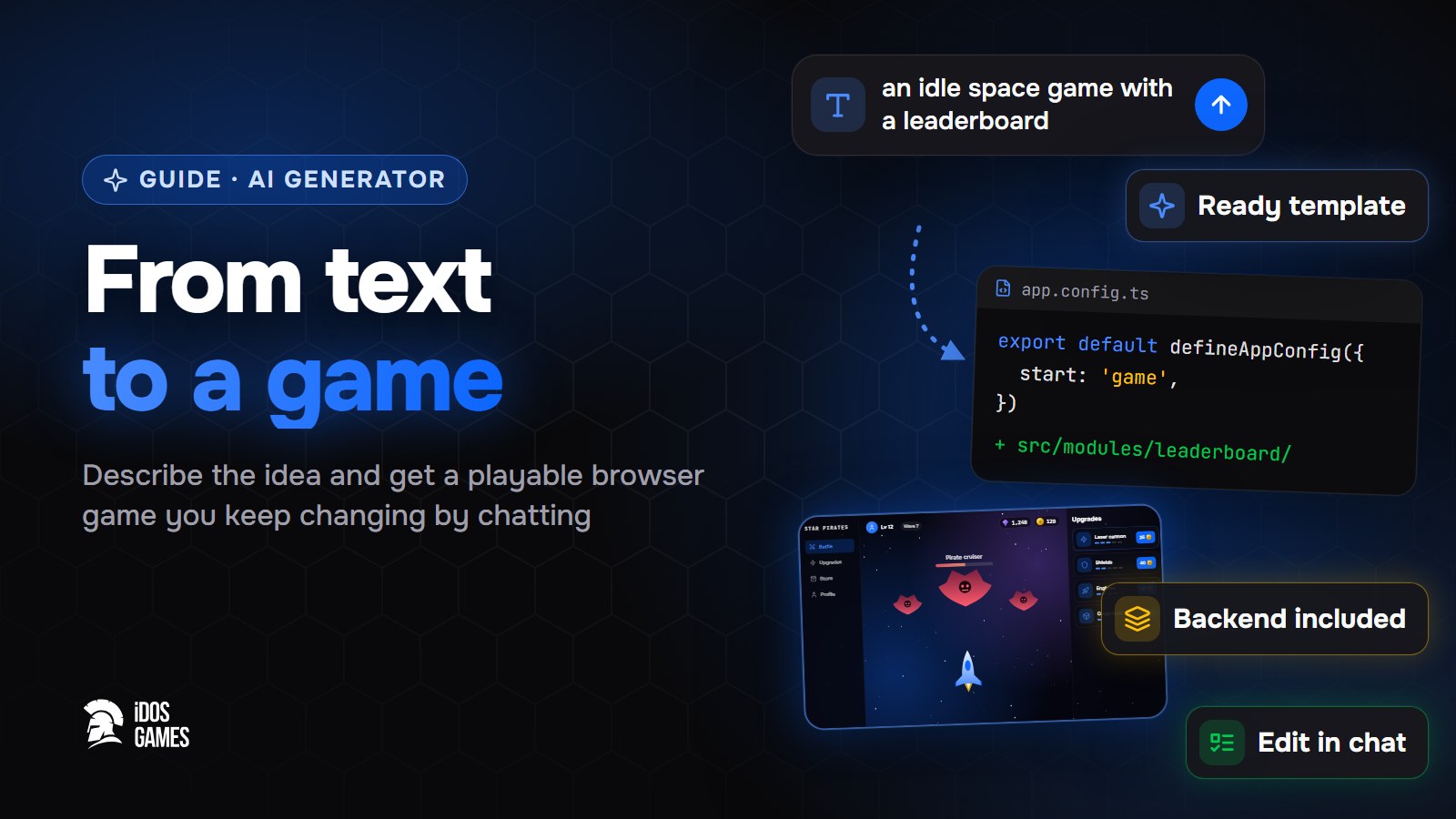 Games with AIAI game generator: from text to a playable gameWhat to look for in an AI game generator and how a text description becomes a playable browser game on iDos Games - a ready template, an AI coder you talk to, a backend and publishing included.Aidos Ryskeldinov1 min read
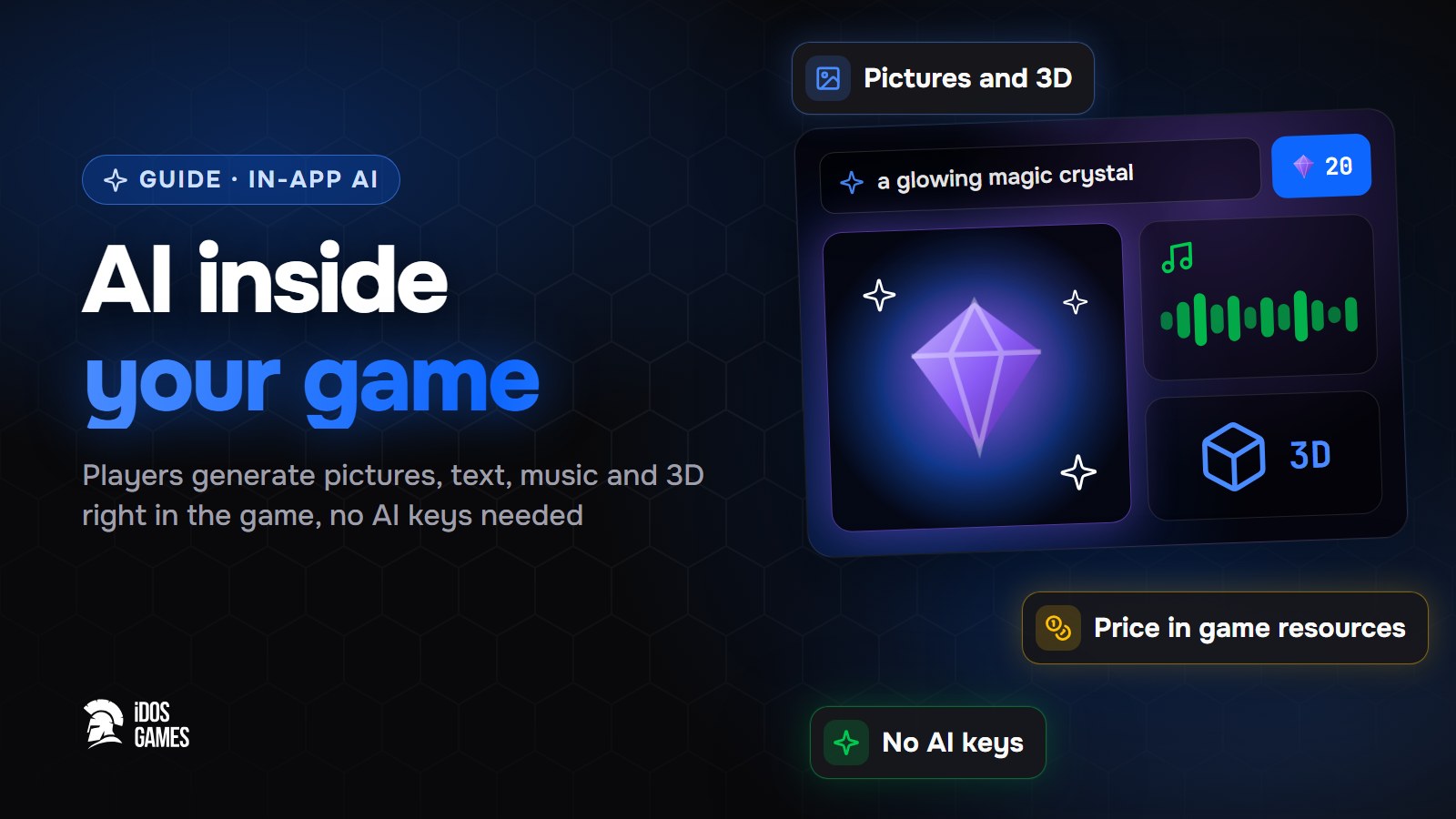 Games with AIHow to add AI inside your game: pictures, text and 3D for playersHow to let players generate pictures, text, voice, music, video and 3D models right inside your browser game - without your own AI keys or server, with a price in game resources that you set.Aidos Ryskeldinov2 min read
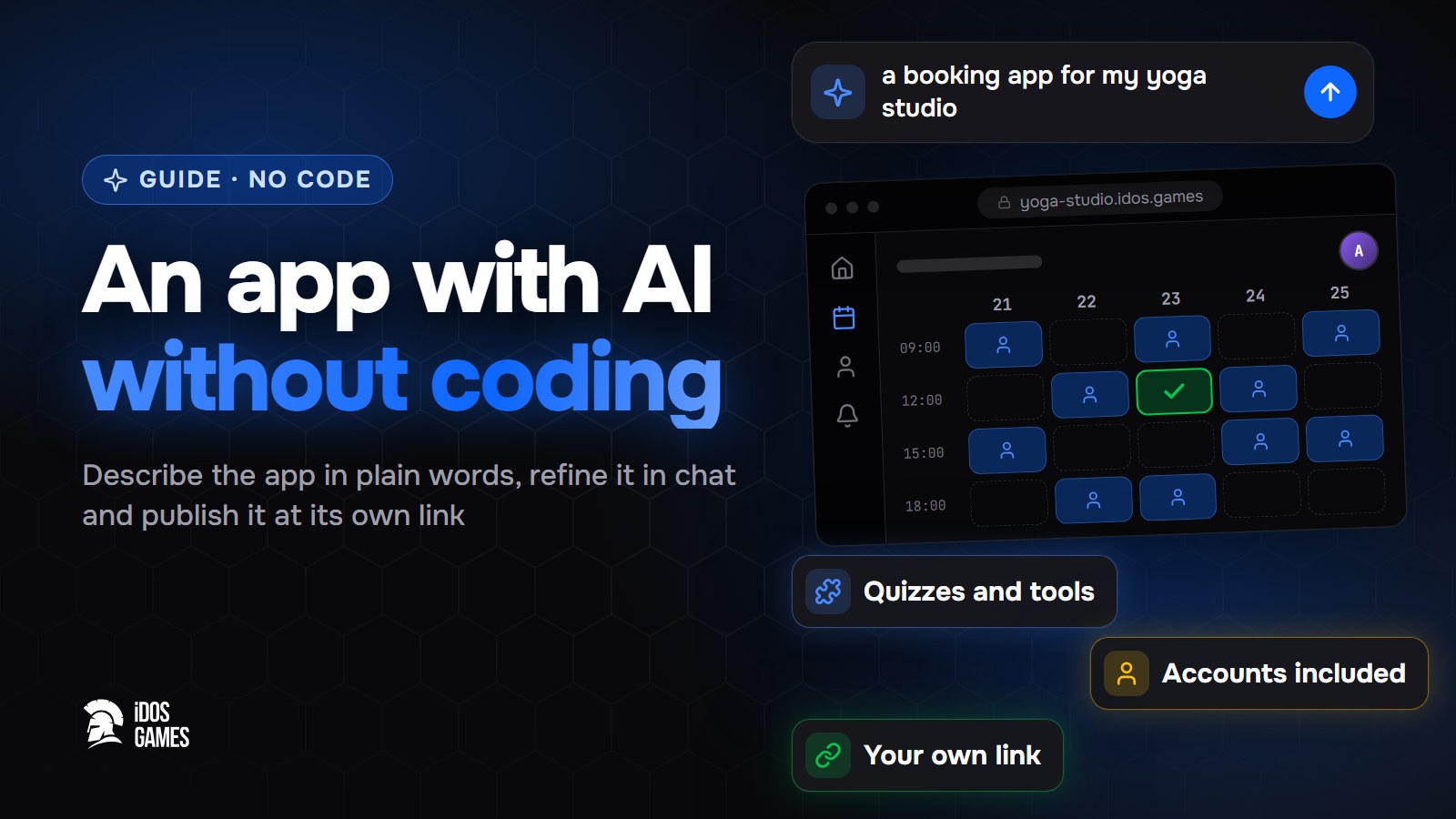 Games with AIHow to build an app with AI without codingA step-by-step guide to building a web app with AI and no programming: describe it in plain words, refine it with the AI coder in a live preview and publish it at its own link.Aidos Ryskeldinov2 min read