

How to monetize a browser game without ruining it
How to monetize a browser game: what to sell, a store, VIP, a season pass, starter deals, rewarded ads in the app and a token, with prices players accept.
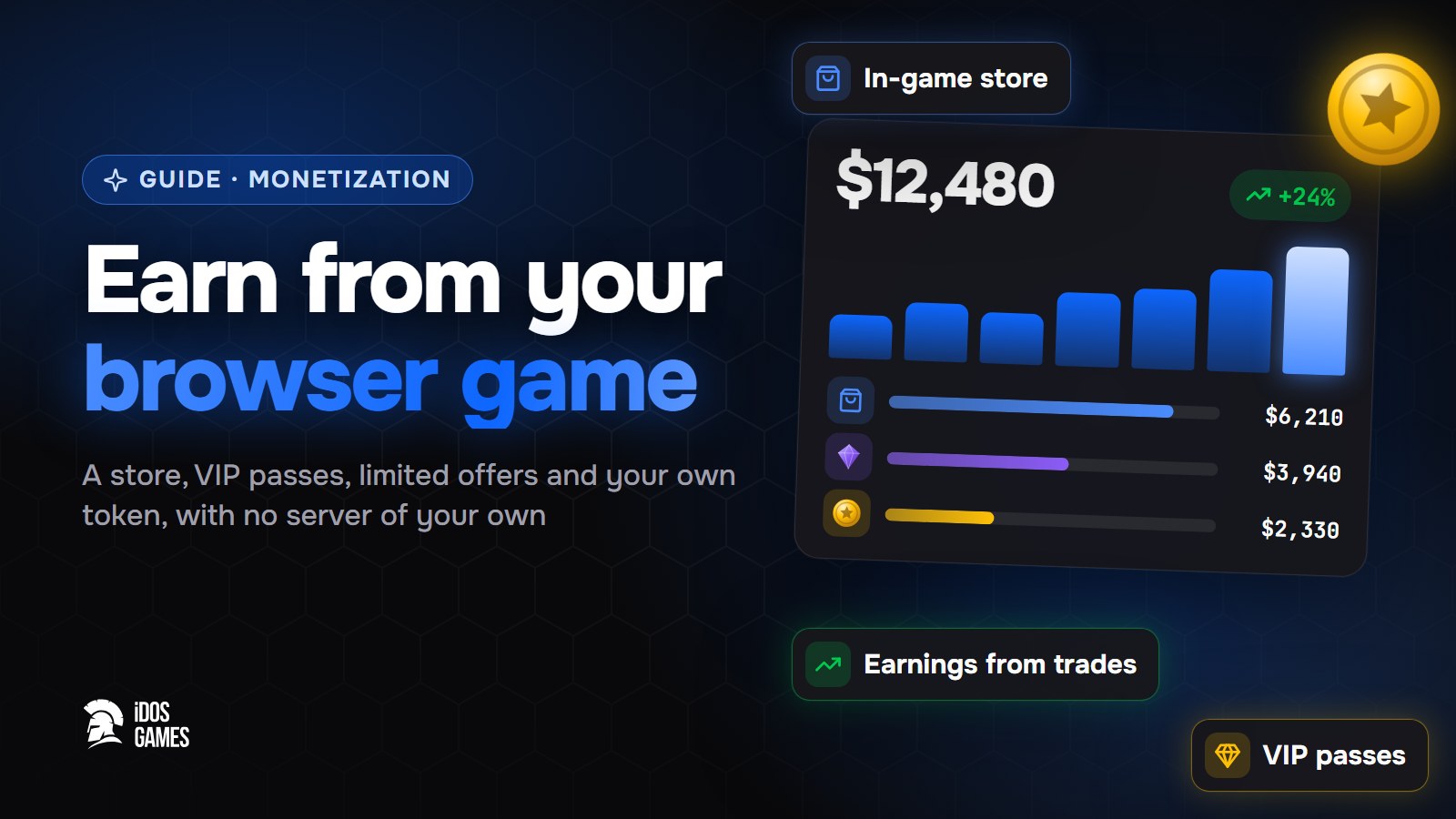
Crypto tokens are volatile and can lose all of their value. This page explains how the platform works and is not financial advice.
To monetize a browser game, sell things that save time or show off, not things that decide who wins: a store with a free daily gift, a starter deal, VIP, a season pass and, if you like, your own token. On iDos Games these are ready systems on the platform server: prices and limits are checked on every purchase, you set them up in the dashboard, and every sale for Aspis brings you income.
Monetization works when it follows what players already want. A store answers "I want to progress faster", VIP answers "I play every day", a season pass answers "give me a goal for this month", a token answers "I believe in this game". Below is how to pick the right mix and set prices people accept.
Ads or purchases: how browser games earn
| Model | Who pays | Works best when |
|---|---|---|
| In-game purchases | a small share of engaged players | there is something worth buying: currency, cosmetics, convenience |
| Rewarded ads | everyone who chooses to watch | many players never pay; the reward is worth the 30 seconds |
| Subscriptions and passes | regular players | players come back most days |
| A token | fans who trade it | the game has a community that believes in it |
Most successful games mix them. On iDos Games, purchases for Aspis bring you income, and rewarded ads run in the iDos Games mobile app and bring you income from each view. The web version has no ads, so purchases and passes carry it there.
What to sell, and what not to
Sell:
- Time: skip a wait, double rewards for an hour, an extra energy refill.
- Looks: skins, frames, effects, a nameplate color. They cost nothing to balance.
- Convenience: more inventory slots, auto-collect, a second build preset.
- Goals: a season pass with a prize ladder for the month.
Do not sell power that decides who wins against other players. Paying to win drives away the players who do not pay, and then the payers have no one left to beat.
The in-game store
The store has storefronts with rotating offers, prices in game currency or Aspis, free gifts and limits. Ask the AI coder "Add a shop", then set offers in Live Operations → v2 → Store. The server checks the price, limits and rotation on every purchase, and every Aspis purchase is confirmed by the player on idosgames.com, so a game cannot spend someone's Aspis by itself.
Start with a free daily gift. It brings every player to the store once a day, and once there, they see the offers. Then add two or three packs with clear value: a small one for first-time buyers, a mid one marked "best value", and a large one for the few who want it.
VIP passes
VIP gives benefits for a time: store discounts, bonus rewards, VIP prizes in events and the season. Each pass has a timer, an Extend button and a one-time free trial. The server applies the benefits everywhere by itself, so you write no discount code.
VIP fits players who come every day. A free trial shows them what they get before they pay.
Starter deals and limited offers
Special offers pop up by themselves: a starter pack for new players, a chain of steps where each one unlocks the next, or a gift to pick from. Who sees a deal is part of its settings, and the server checks it.
A good first deal: a one-time starter pack worth several times its price, shown after the player has finished the tutorial. That is the moment they know they like the game.
A season pass
The season is a battle-pass ladder: tiers by status with a free prize and a VIP prize on each. Status comes from play and from rewards of quests, events and chests. A season gives players a reason to come back all month, and VIP turns the second prize row into a reason to buy.
Your own token
You can launch a token for your game on BNB Chain, Base or Solana. Players trade it right on the game page, and part of the fee on every trade goes to you as the creator. You withdraw it to the wallet confirmed in your account. How to start: launching a token, and the full walkthrough in how to launch a token for your game.
Pricing that players accept
- One cheap first purchase. The hardest purchase is the first one; make it small and obviously worth it.
- Show the value. "x2 coins" or "best value" ribbons help people choose.
- Keep earned and bought currency in balance. If a player earns in a week what a pack gives, the pack has no point; if they cannot earn anything, they feel forced.
- Change prices without a release. Prices are server settings: test one, watch, adjust.
Mistakes that cost players
- Selling before the game is fun. Offers on the first screen read as a cash grab; let people play first.
- A popup every minute. One deal at the right moment beats five interruptions.
- Paywalls on progress. If a level cannot be passed without paying, most players simply leave.
- Prices nobody understands. Show what the pack gives in the currency the player already knows.
Where to start
- A store with a free daily gift.
- One starter deal after the tutorial.
- VIP with a free trial, when players come back daily.
- A season pass for the month.
- A token, when the game has a community.
How much creators on the platform really earn and how to estimate your own income: how much money can you make from a game, with the live earnings leaderboard.

About the author
Aidos RyskeldinovFounder of iDos Games
Lifelong gamer and tech enthusiast. Since 2020 I have been building and shipping cross-platform games and apps, and today I'm building iDos Games: a platform where anyone can make a game with AI, put it live at its own link and earn from it. Here I share how to make games faster and easier than you'd think.
Frequently asked questions
Do I need my own server to sell things in the game?
No. The iDos Games server checks the price, limits and rotation on every purchase, so a purchase cannot be faked from the game.
Ads or in-game purchases, which earns more?
Most games use both. Purchases come from a small group of engaged players; ads earn from everyone else. On iDos Games rewarded ads run in the mobile app and bring you ad income; purchases for Aspis bring you sales income.
Which way of earning should I start with?
A store with a free daily gift and one starter deal. Add VIP and a season pass when the game has players who come back every day.
What should I never sell?
Power that decides who wins against other players. Paying to win drives away everyone who does not pay, and then the payers have no one to beat.
How does a token bring income?
Part of the fee on every trade of your game token goes to you as the creator. You withdraw it to the wallet confirmed in your account.
Learn more in the documentation
- In-game store: storefronts, offers and pricesHow the ready-made iDos Games store works - storefronts with rotating offers, prices in game currency or real money, free gifts and purchase limits - and how to set it up in the dashboard without code.
- VIP and premium passes in your gameHow the ready-made iDos Games VIP system works - premium passes with benefits, a free trial, discounts and bonus rewards across the game - and how to set it up in the dashboard.
- Launch a token for your game or appHow to launch your app's own token on BNB Chain, Base or Solana from the iDos Games creation wizard - the bonding curve, trading on the app page, moving to a DEX and creator earnings.
Make your own game
Describe the idea in a sentence - the AI coder builds it, and it goes live at its own link.
All articles
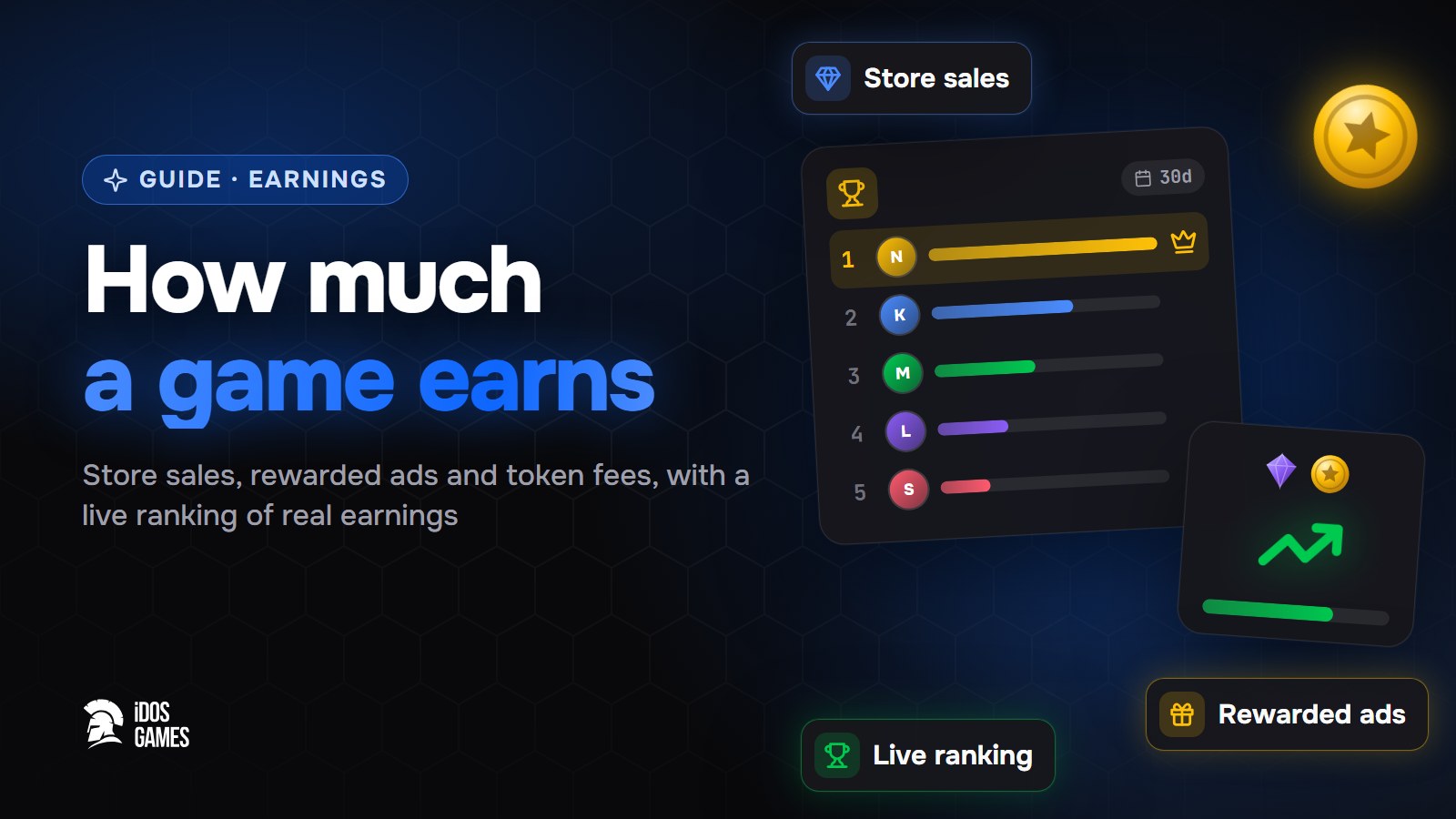 MonetizationHow much money can you make from a gameHow much money can you make from a game on iDos Games: income from Aspis sales, rewarded ads in the app, token fees and remixes, plus a live earnings board.Aidos Ryskeldinov5 min read
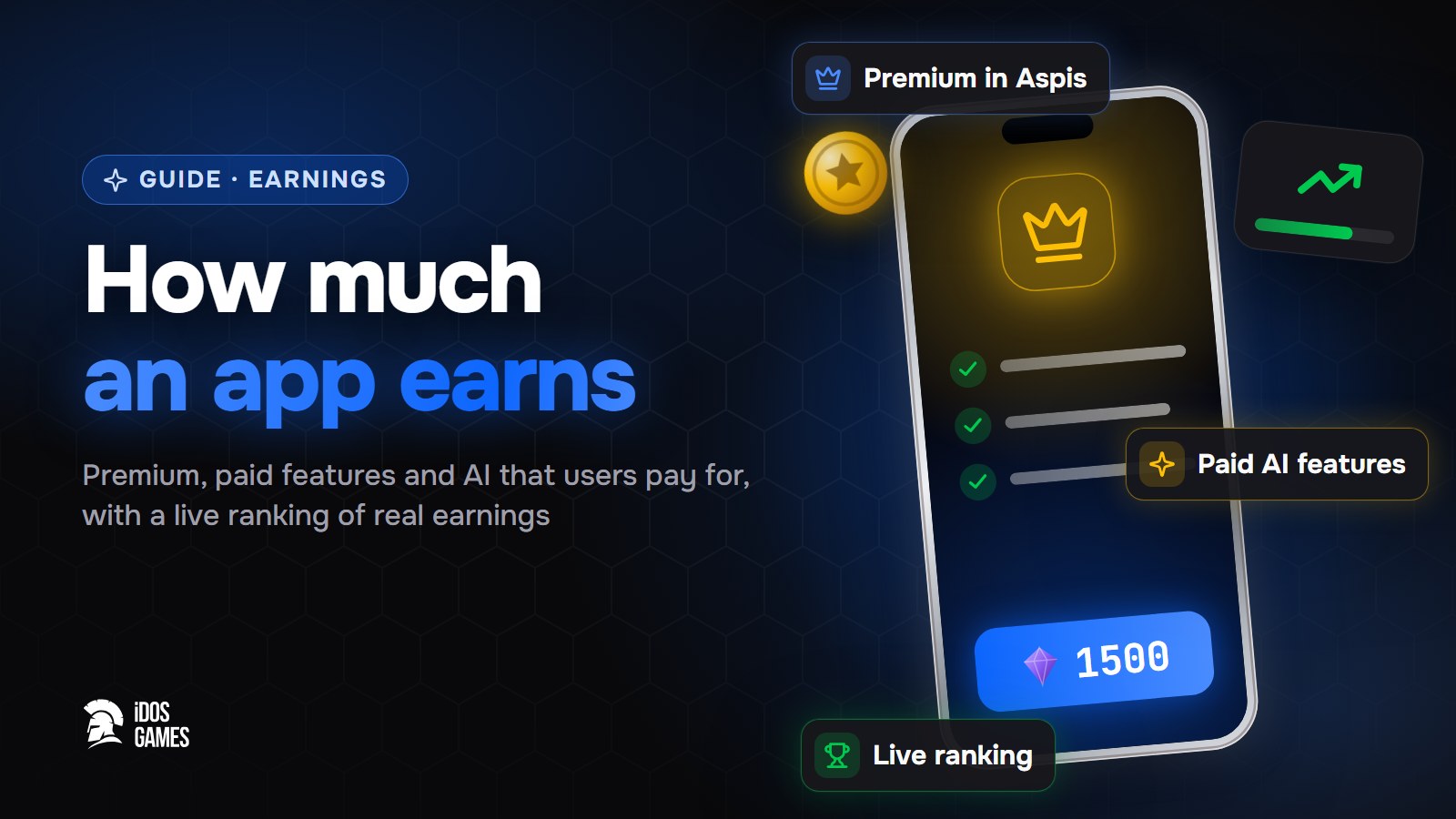 MonetizationHow much money can you make from an appHow much money can you make from an app on iDos Games: premium and paid features for Aspis, AI features users pay for, rewarded ads and a live earnings board.Aidos Ryskeldinov5 min read
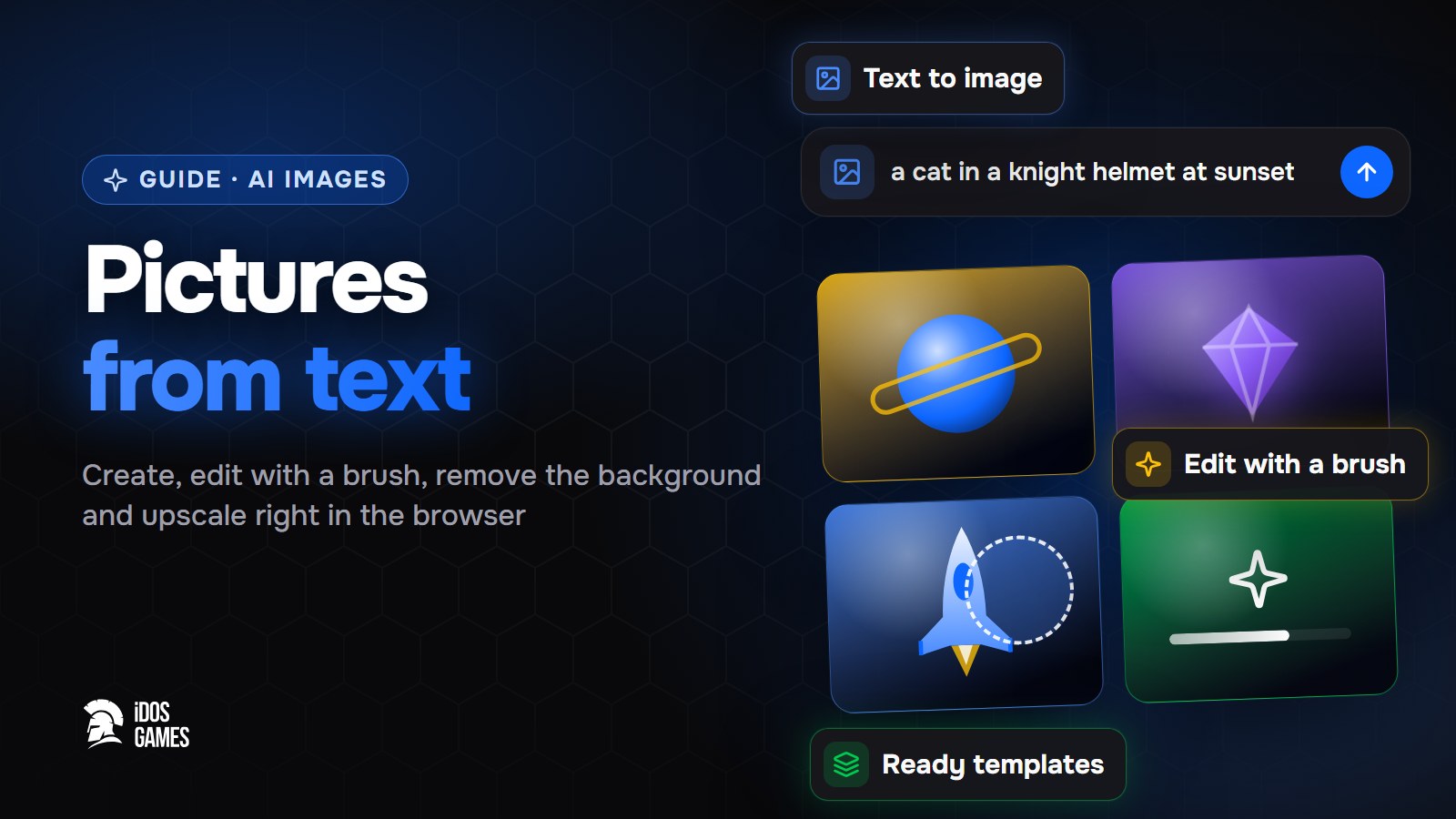 AI generationAI image generator: pictures from text in your browserHow to use an AI image generator in the browser: text to image, photo editing with a brush, templates, prompt tips, modes and what a picture costs.Aidos Ryskeldinov5 min read