

How to add AI inside your game: pictures, text and 3D for players
How to let players generate pictures, text, voice, music, video and 3D models right inside your browser game - without your own AI keys or server, with a price in game resources that you set.
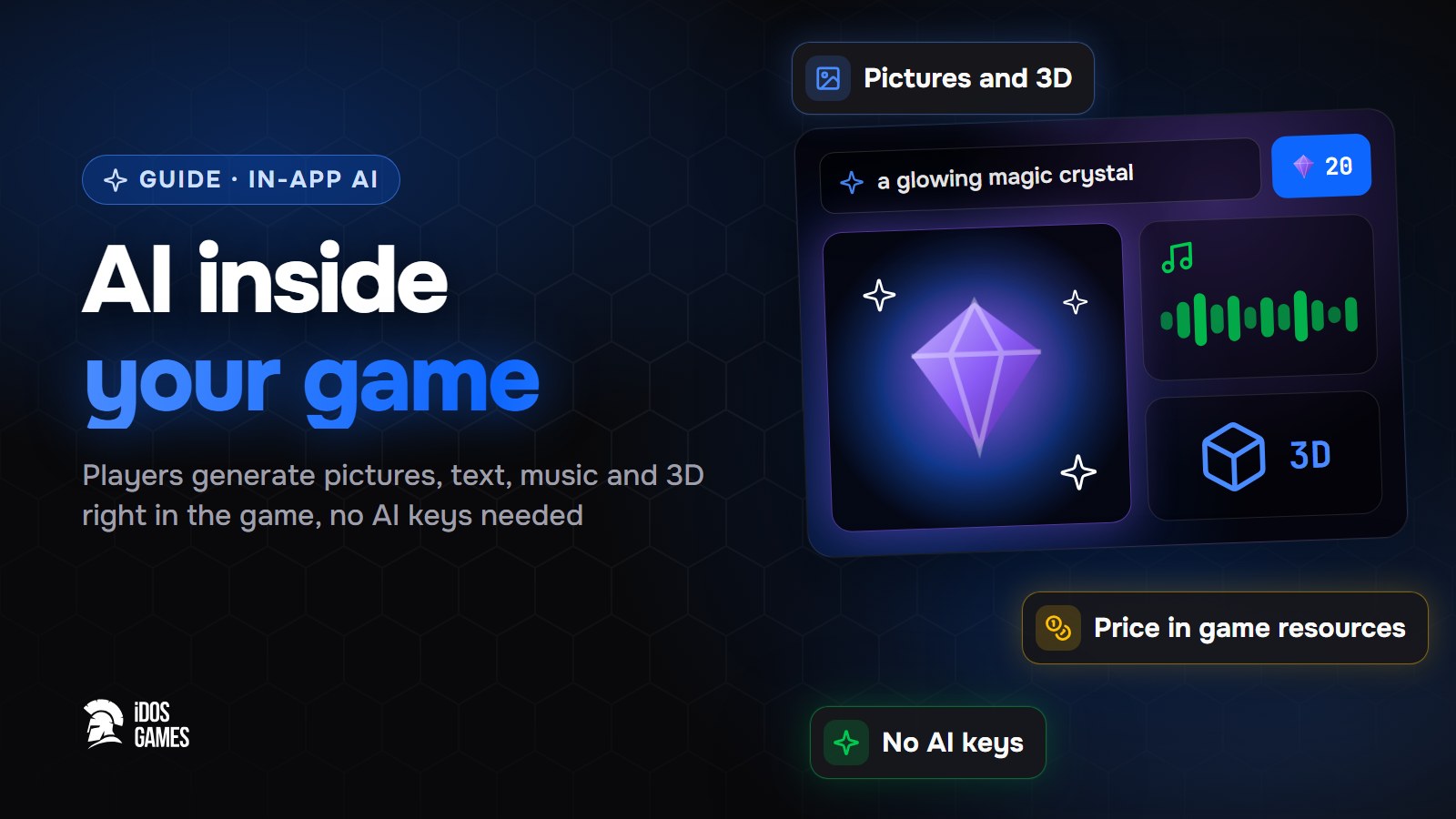
To add AI inside your game, ask the AI coder for the feature you want, for example "let players generate a hero portrait", and set it up in the dashboard. Players then create pictures, text, voice, music, video or 3D models right in the game. You need no AI keys and no server: generations run on the iDos Games server, and you set the price for players in game resources.
An app with AI inside is different from an app made by AI: here the player uses the AI. A portrait of their hero, a story for their character, a skin for their item - these are features players come back for.
What players get
- An AI studio with the features you opened: text, picture, voice, music, video, 3D.
- A prompt and a price: the player describes what they want and pays in game resources, or nothing.
- "My creations": the history of everything the player generated.
Step 01Add the feature
In the AI coder write what players should be able to make:
Let players generate a portrait of their hero from a short description.
The AI coder installs the in-app AI system or calls the feature from the game code.
Step 02Set it up in the dashboard
Open the dashboard, pick your project and go to Live Operations → v2 → InApp AI:
- Create a feature: kind, the hidden prompt and its quality mode.
- Set the player price in game resources and the limits per player.
- Set spending caps so a popular game does not spend more credits than you planned.
Step 03Test and release
Try the feature in the test version, then send the settings to the live game.
Ideas
- A world built from the player's description - the voxel sandbox does this.
- NPC lines written by AI from the game code.
- Player creations shared with others through the workshop.

About the author
Aidos RyskeldinovFounder of iDos Games
Lifelong gamer and tech enthusiast. Since 2020 I have been building and shipping cross-platform games and apps, and today I'm building iDos Games: a platform where anyone can make a game with AI, put it live at its own link and earn from it. Here I share how to make games faster and easier than you'd think.
Frequently asked questions
Do I need my own AI API keys?
No. Generations run on the iDos Games server and are paid from the credits of your account. Prompts and models stay on the server.
Can players pay for generations?
Yes. You set a price in game resources for every feature, or make it free, and set limits per player.
Can the game itself use AI, not only players?
Yes. A feature marked hidden is called by the game code, for example for NPC lines or for building a world from a description.
Learn more in the documentation
- AI inside your game: text, pictures, music and 3D for playersHow the ready-made iDos Games in-app AI works - an AI studio where players generate text, pictures, voice, music, video and 3D through features you open, with a price in game resources - and how to set it up in the dashboard.
- Workshop: player-made levels, worlds and skinsHow the ready-made iDos Games Workshop works - players publish what they made in the game, share it for free, sell it for in-game resources with author royalties or unlock it by holding an item - and how to set it up in the dashboard.
- The voxel sandbox template: survival, building and worlds from a pictureA ready voxel game template on iDos Games - survival and creative modes, mining, crafting, mobs, three dimensions, worlds from a picture and a description with or without AI, and co-op for up to 8 players. What is inside and how to make it your own game.
Make your own game
Describe the idea in a sentence - the AI coder builds it, and it goes live at its own link.
All articles
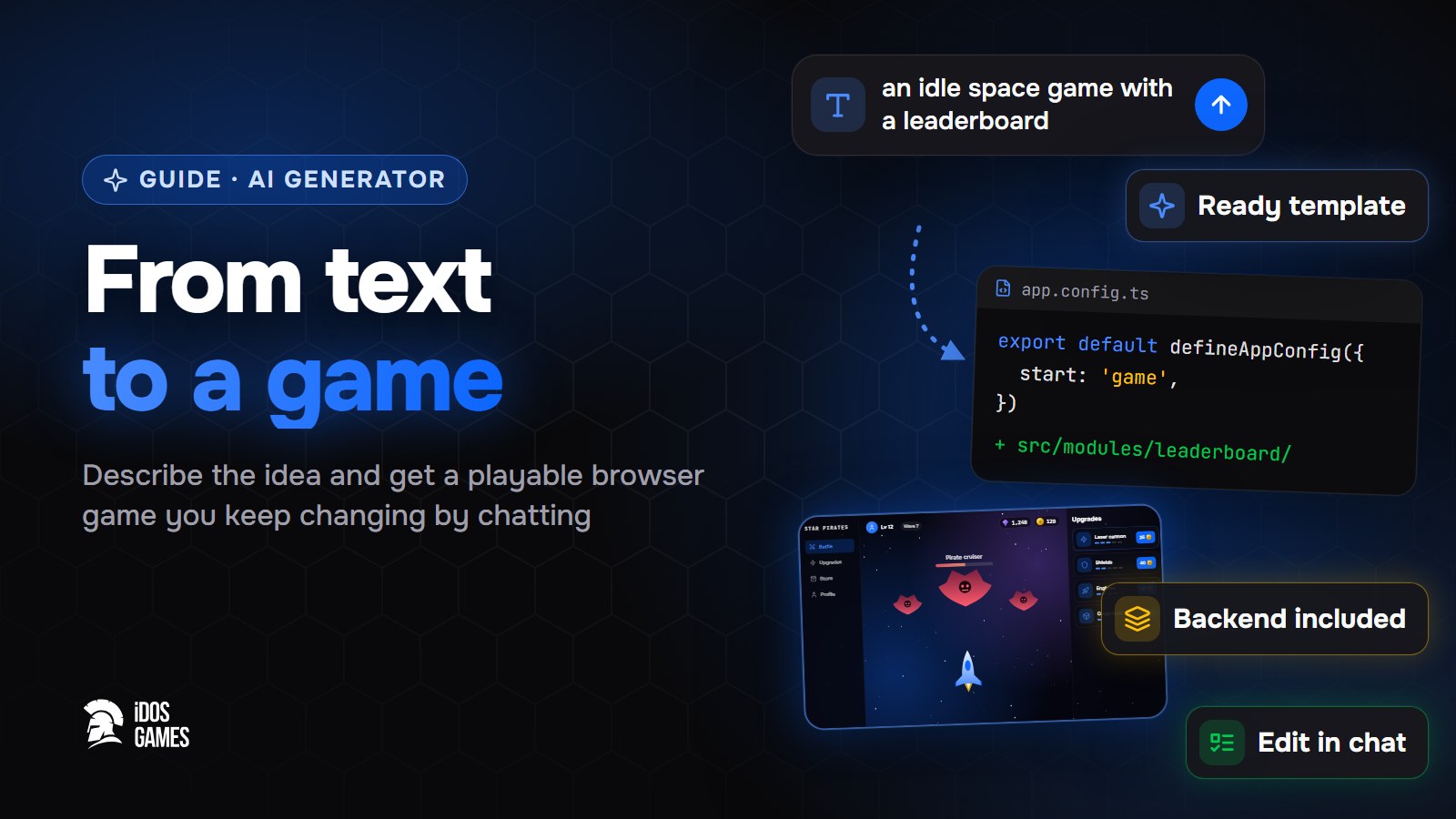 Games with AIAI game generator: from text to a playable gameWhat to look for in an AI game generator and how a text description becomes a playable browser game on iDos Games - a ready template, an AI coder you talk to, a backend and publishing included.Aidos Ryskeldinov1 min read
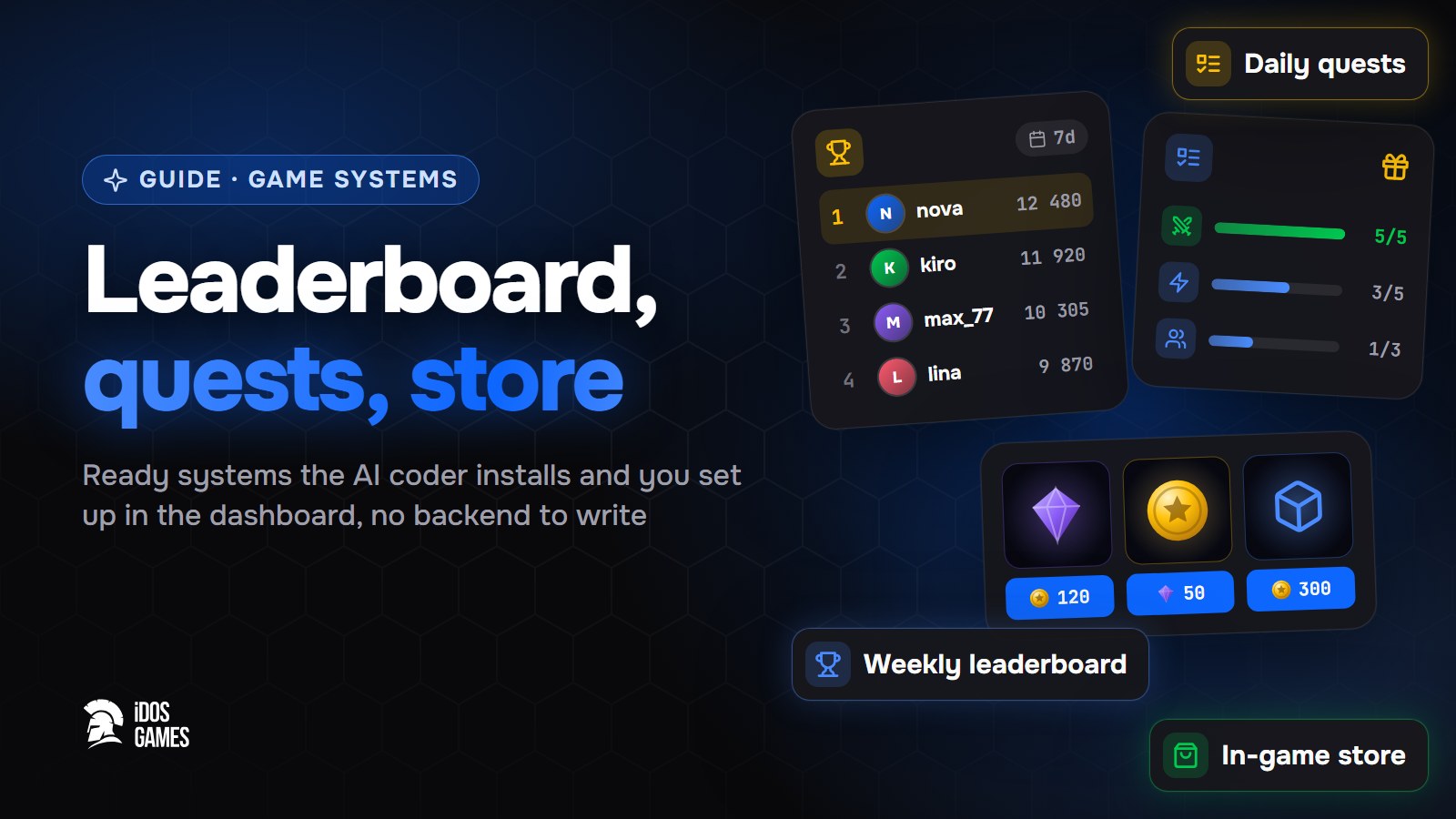 Games with AIHow to add a leaderboard, quests and a store to a web gameHow to add a weekly leaderboard, daily quests and an in-game store to a browser game without writing a backend: ready systems that the AI coder installs and you set up in the dashboard.Aidos Ryskeldinov2 min read
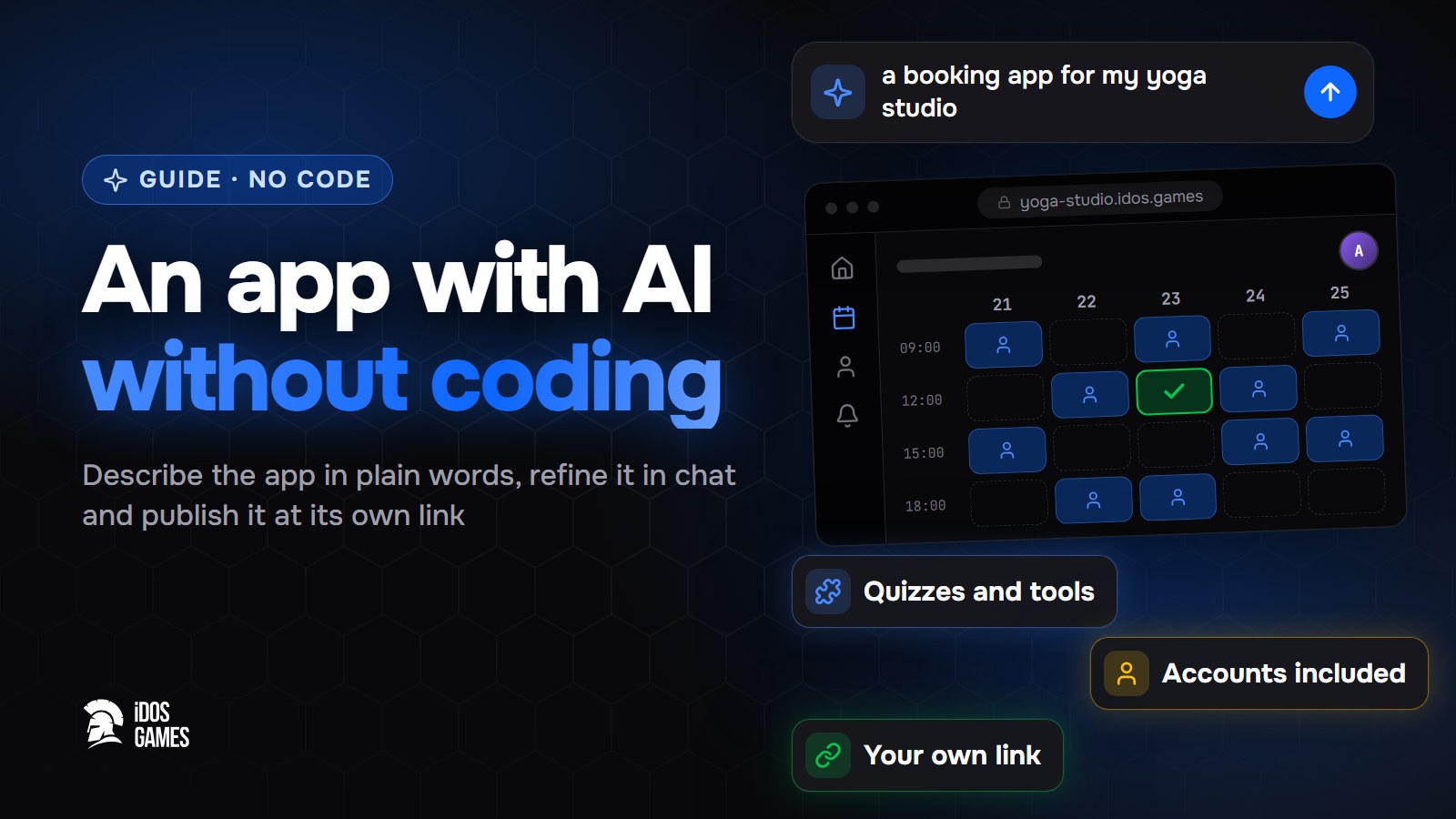 Games with AIHow to build an app with AI without codingA step-by-step guide to building a web app with AI and no programming: describe it in plain words, refine it with the AI coder in a live preview and publish it at its own link.Aidos Ryskeldinov2 min read