

How to make a multiplayer game without a server
A step-by-step guide to an online browser game for friends without a game server of your own: rooms in the lobby, invites, voice chat and the host starting the game for everyone - built with AI on iDos Games.
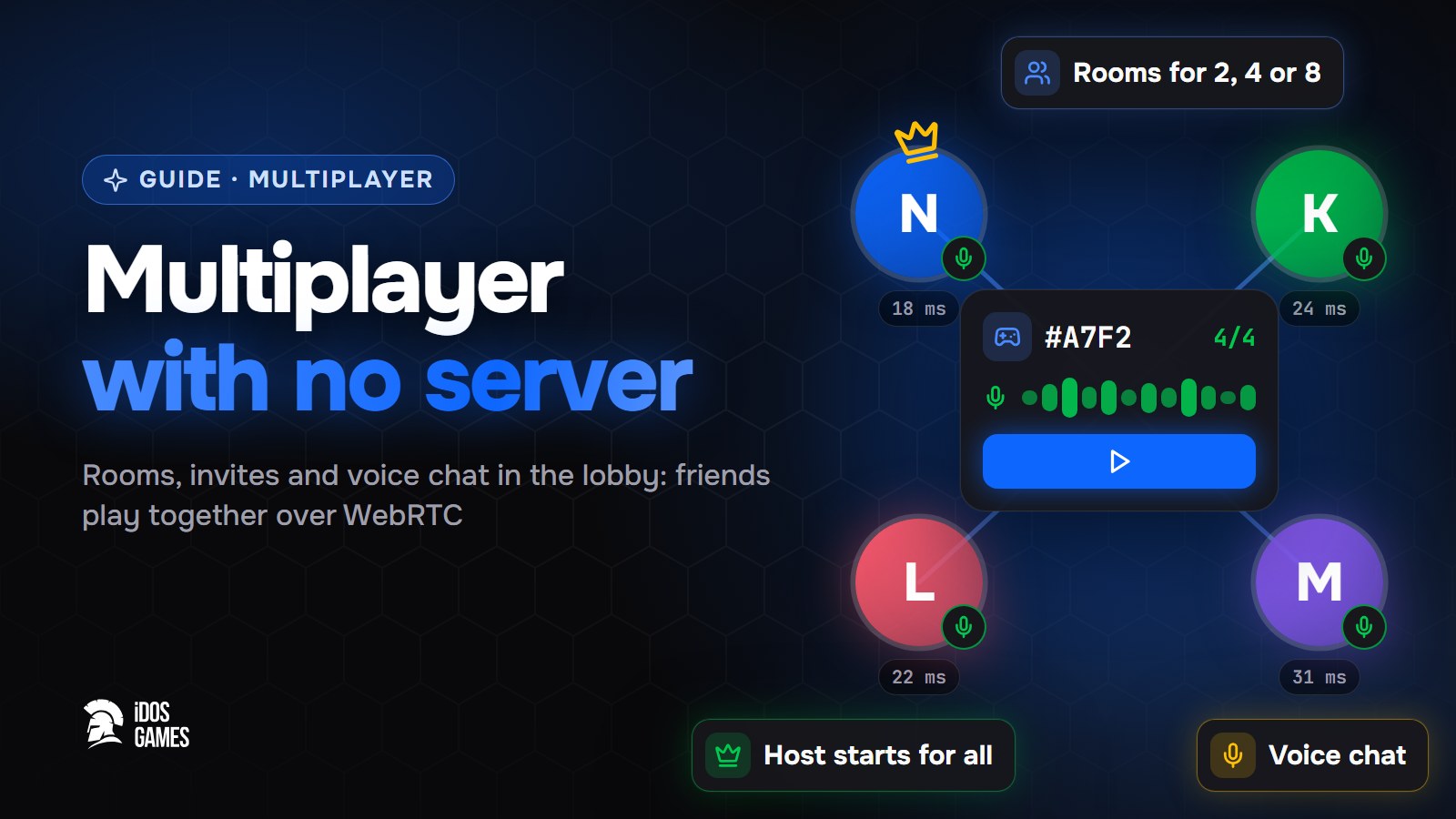
To make a multiplayer browser game without a server, create the game on iDos Games and ask the AI coder to make it multiplayer. The platform adds ready rooms to the lobby: friends join by invite or from the public list, talk in voice chat, and the host starts the game on every device. Players connect to each other over WebRTC, so there is no game server for you to run.
Most AI game makers write the game itself well, but stop at online play: a game server, matchmaking and connections are not part of a generated project, so the result stays single-player. Here the online part is already built.
What you get
- Rooms in the lobby: public, or private with an invite code, for 2, 4 or 8 players.
- Ready check and room chat, with host and offline marks on every member.
- Voice chat: push-to-talk or open mic, mute and volume per member.
- The host's "Play" takes the whole room into the game at once.
You (host) · Mira ✓ · Arrow ✓ · waiting…
Step 01Create the game
Open Create and describe the game, for example: "a co-op voxel survival game where friends build a base together". Answer the short questions about genre and style. The platform picks a starting template, and the voxel sandbox already plays online from the start.
Step 02Ask for multiplayer
In the AI coder write one request:
Make the game multiplayer for 4 players.
The AI coder installs the multiplayer system and registers the game in the lobby. After that "With friends" appears next to the game's "Play" button.
Step 03Turn it on in the dashboard
Open the dashboard, pick your project and go to Live Operations → v2 → Multiplayer. Turn multiplayer on and set the maximum players per room. The relay server for players behind strict networks is set up on the same page.
Step 04Test with a friend
Open the test version on two devices, create a room on one and join it from the other with the invite code. Check the voice chat, press "Play" as the host and see both devices enter the game. Add chat if you want players to talk outside the rooms too.
Step 05Publish
Deploy the checked version for players. The game gets its own address, so you can send the link to friends right away, and you can publish it to the idosgames.com catalog when you are ready.

About the author
Aidos RyskeldinovFounder of iDos Games
Lifelong gamer and tech enthusiast. Since 2020 I have been building and shipping cross-platform games and apps, and today I'm building iDos Games: a platform where anyone can make a game with AI, put it live at its own link and earn from it. Here I share how to make games faster and easier than you'd think.
Frequently asked questions
Do I need to rent a game server?
No. Players connect to each other over WebRTC, and iDos Games runs the rooms and the connection setup. You do not run or pay for a server of your own.
How many players can play together?
A room holds 2, 4 or 8 players, and you set the maximum for your game in the dashboard.
Can friends talk during the game?
Yes. Rooms have a text chat and a voice chat with push-to-talk, mute and volume for every member.
Learn more in the documentation
- Multiplayer without your own server: rooms and voiceHow ready-made iDos Games multiplayer works - rooms in the lobby, public or by invite, ready check, room chat and voice chat, the host starts the game for everyone, players connect over WebRTC - and how to turn it on.
- The voxel sandbox template: survival, building and worlds from a pictureA ready voxel game template on iDos Games - survival and creative modes, mining, crafting, mobs, three dimensions, worlds from a picture and a description with or without AI, and co-op for up to 8 players. What is inside and how to make it your own game.
- Chat in your game: channels and private messagesHow the ready-made iDos Games player chat works - channels as tabs, private chats, message history, slow mode, moderation, reports and ignore - and how to set it up in the dashboard.
Make your own game
Describe the idea in a sentence - the AI coder builds it, and it goes live at its own link.
All articles
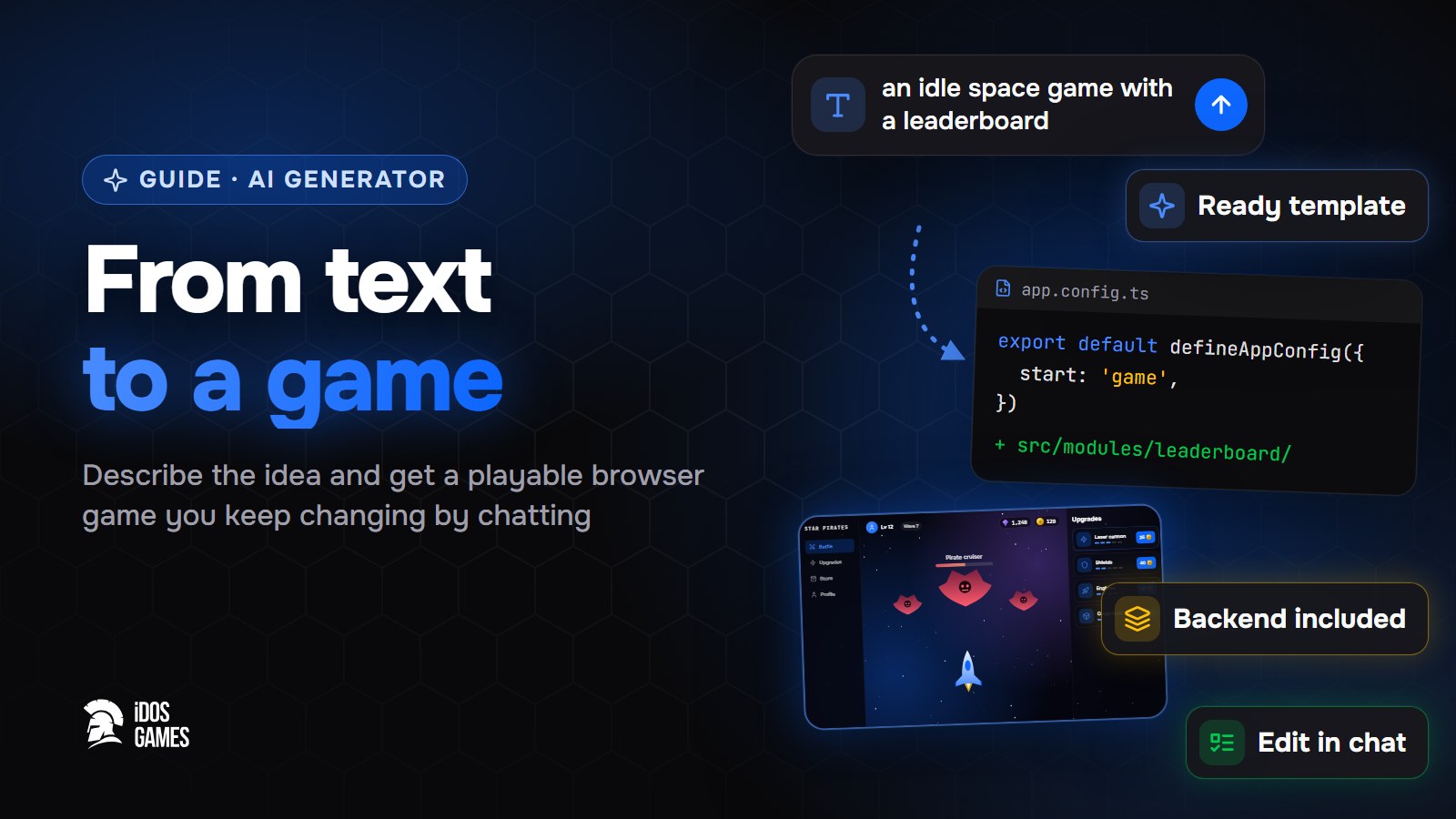 Games with AIAI game generator: from text to a playable gameWhat to look for in an AI game generator and how a text description becomes a playable browser game on iDos Games - a ready template, an AI coder you talk to, a backend and publishing included.Aidos Ryskeldinov1 min read
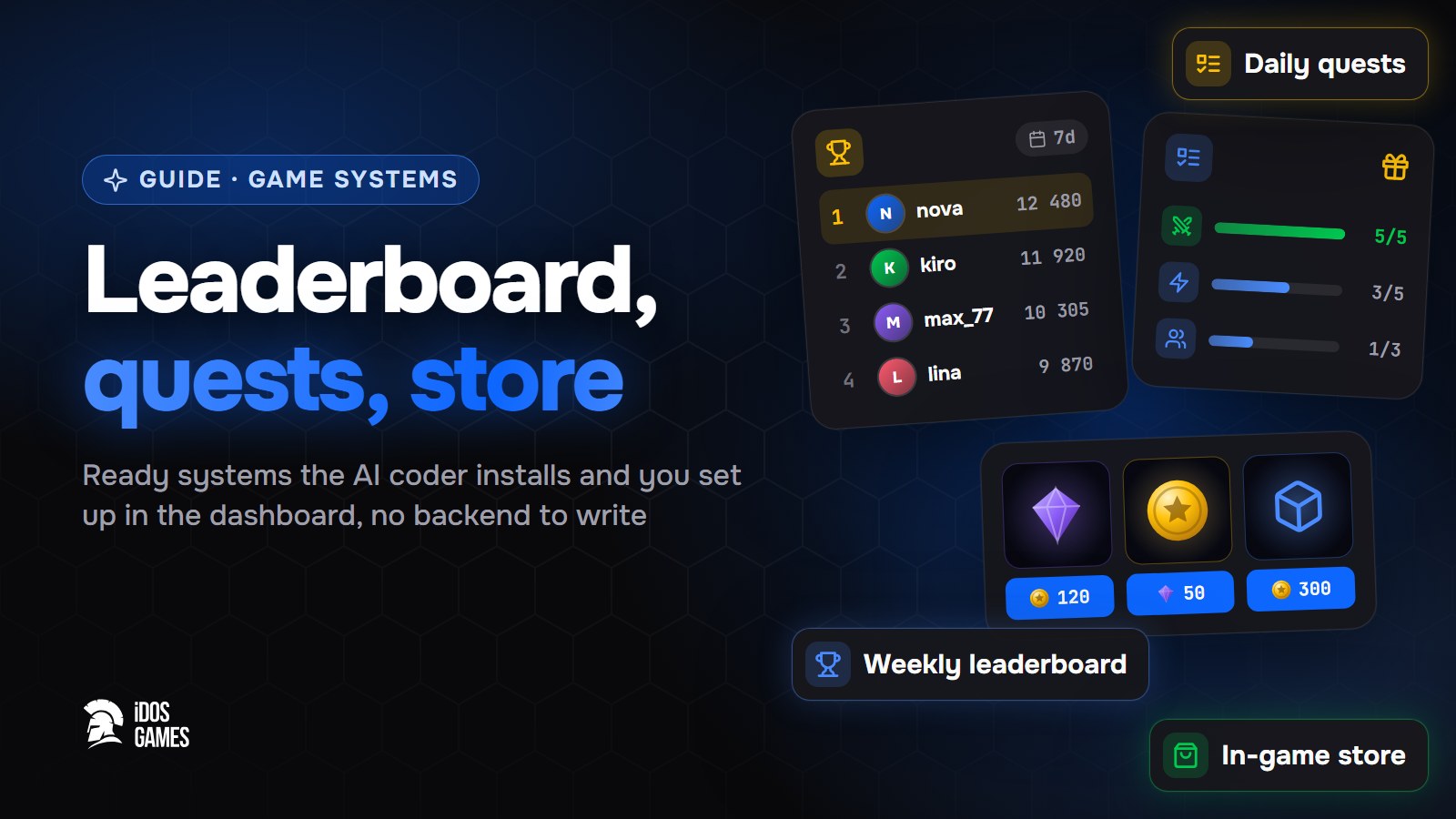 Games with AIHow to add a leaderboard, quests and a store to a web gameHow to add a weekly leaderboard, daily quests and an in-game store to a browser game without writing a backend: ready systems that the AI coder installs and you set up in the dashboard.Aidos Ryskeldinov2 min read
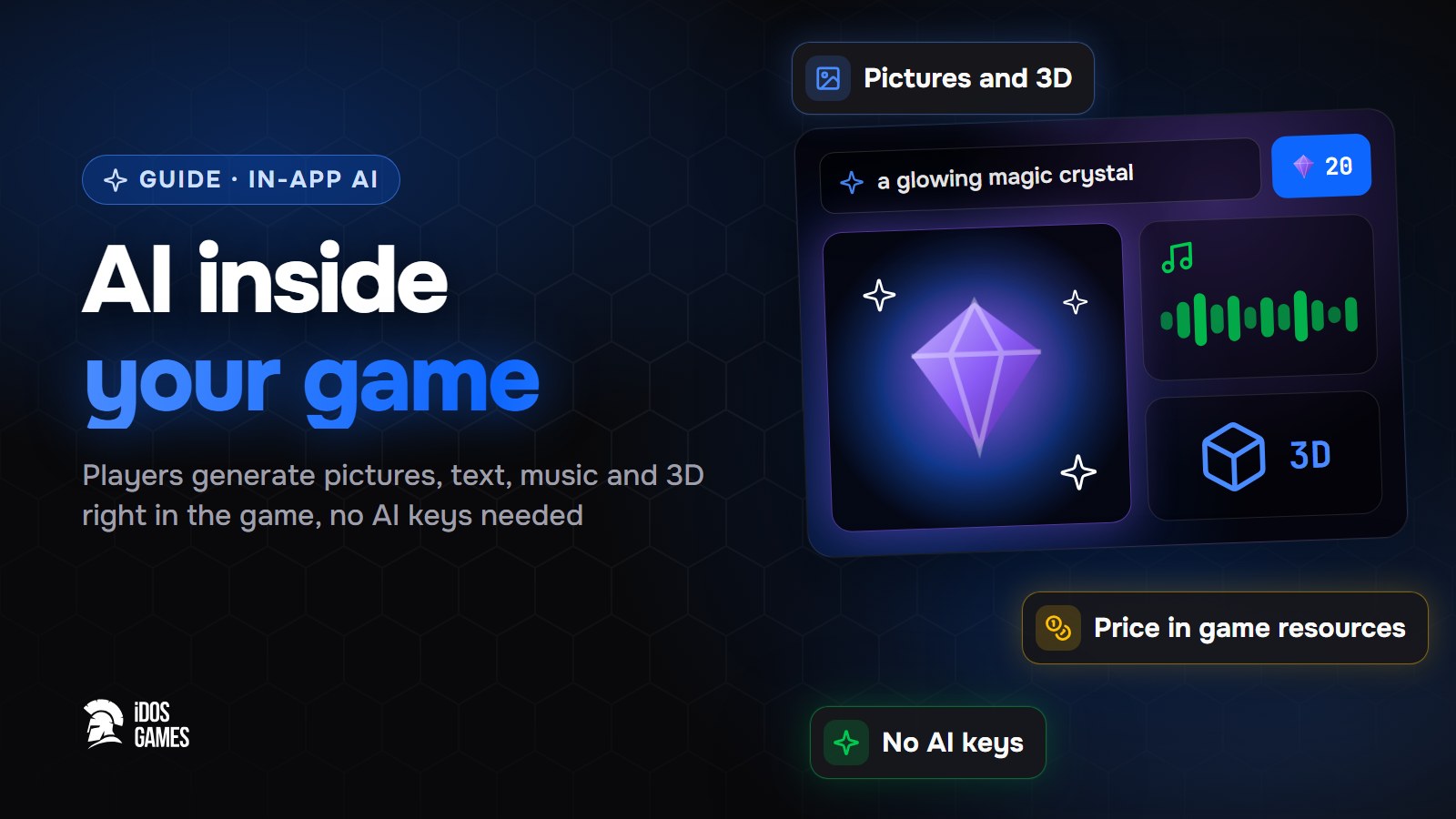 Games with AIHow to add AI inside your game: pictures, text and 3D for playersHow to let players generate pictures, text, voice, music, video and 3D models right inside your browser game - without your own AI keys or server, with a price in game resources that you set.Aidos Ryskeldinov2 min read