

AI game generator: from text to a playable game
What to look for in an AI game generator and how a text description becomes a playable browser game on iDos Games - a ready template, an AI coder you talk to, a backend and publishing included.
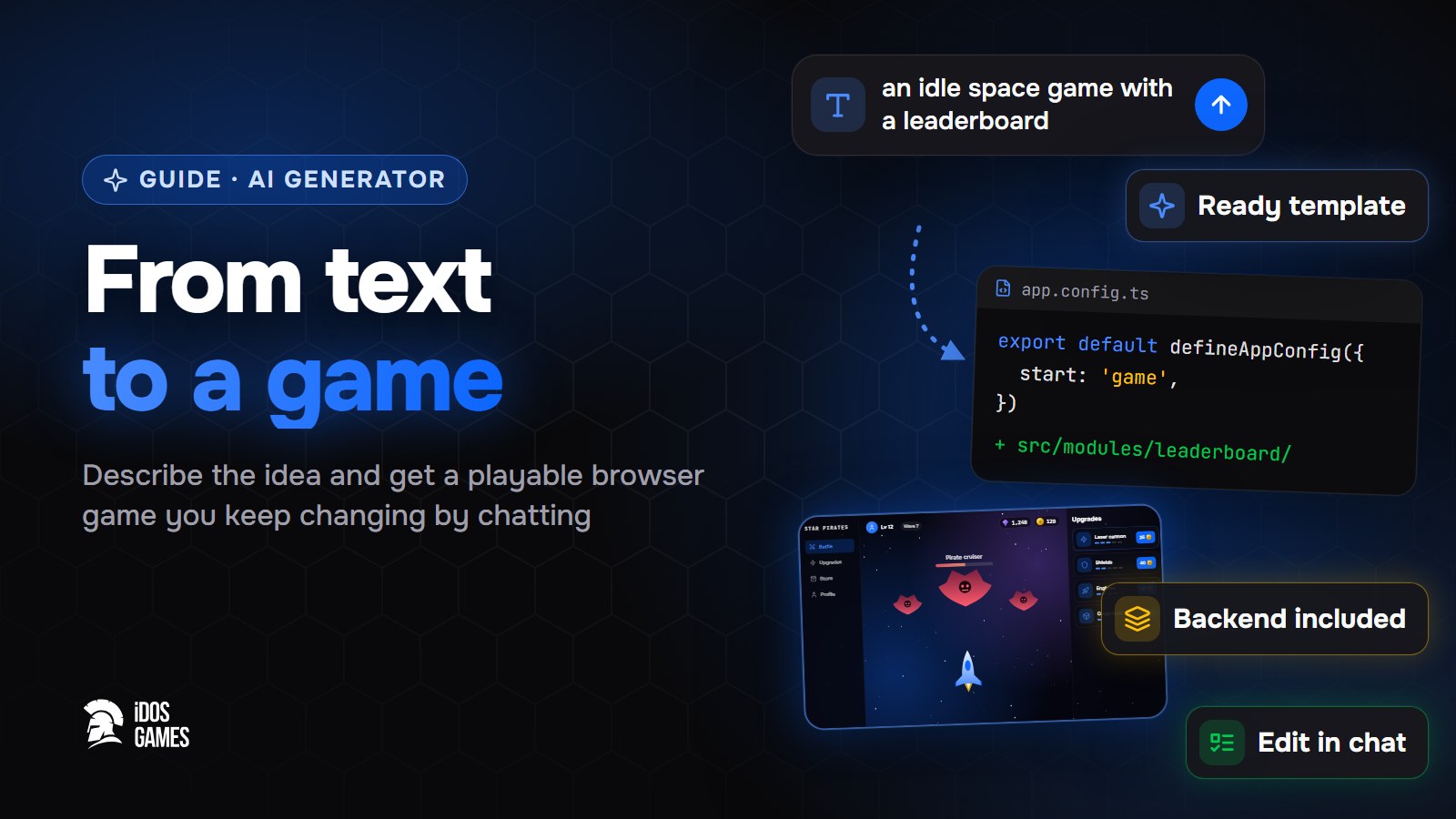
An AI game generator turns a text description into a playable game; on iDos Games you describe the idea, answer a few questions and get a browser game you keep changing by chatting. The game is not a one-off picture of an idea: it is a real project with sign-in, saved progress, ready game systems and its own link.
What to look for in a generator
- Does it make a game or a demo? A demo runs once in a preview. A game keeps the player's progress, has accounts and can be shared by link.
- Can you change it after generation? The first version is never final. You need a chat that edits the same project, not a new one every time.
- Is there a backend? A store, quests, leaderboards and multiplayer need a server. Without one the game stays single-player and offline.
- Who owns the code? You should be able to open and edit it.
Here is how it works on iDos Games, from text to a game.
Step 01Describe the idea
On Create write a sentence or two: "an idle RPG where a knight fights waves of monsters".
Step 02Answer a few questions
Genre, style, setting. From the answers the platform picks a ready template, for example the idle RPG, so the first version is playable at once.
Step 03Change it by chatting
You land in the AI coder with a live preview. Ask for one change at a time - see create with AI.
Step 04Publish
Deploy the game and share its link. It already has sign-in, a lobby, a profile, an inventory, friends, quests and mail - see what is included.

About the author
Aidos RyskeldinovFounder of iDos Games
Lifelong gamer and tech enthusiast. Since 2020 I have been building and shipping cross-platform games and apps, and today I'm building iDos Games: a platform where anyone can make a game with AI, put it live at its own link and earn from it. Here I share how to make games faster and easier than you'd think.
Frequently asked questions
Is the generated game really mine?
Yes. The game is an ordinary TypeScript project in your account. You can change it by chatting, edit the code or connect GitHub.
What kinds of games can it make?
Anything that runs in the browser: idle and RPG games, board games, arcade, puzzles, voxel sandboxes. The platform has ready templates and picks one that fits your idea.
Can I keep changing the game after it is generated?
Yes. That is the main way to work: you ask for one change at a time, and every change is saved as a version you can go back to.
Learn more in the documentation
- Create a game or app with AIHow to turn an idea into a working browser game or app on iDos Games - describe it, answer a few questions, then refine it with the AI coder in a live preview.
- What is included in a new projectEvery new iDos Games project starts with sign-in, a lobby and six ready systems; more systems such as a store, leaderboards, events or multiplayer are added when the app needs them.
- The idle RPG template: hero, waves and bossesA ready idle RPG template on iDos Games - the hero fights waves of monsters and bosses on their own, gold adds up even when the player is away, stats are upgraded for gold. What is inside and how to make it your own game.
Make your own game
Describe the idea in a sentence - the AI coder builds it, and it goes live at its own link.
All articles
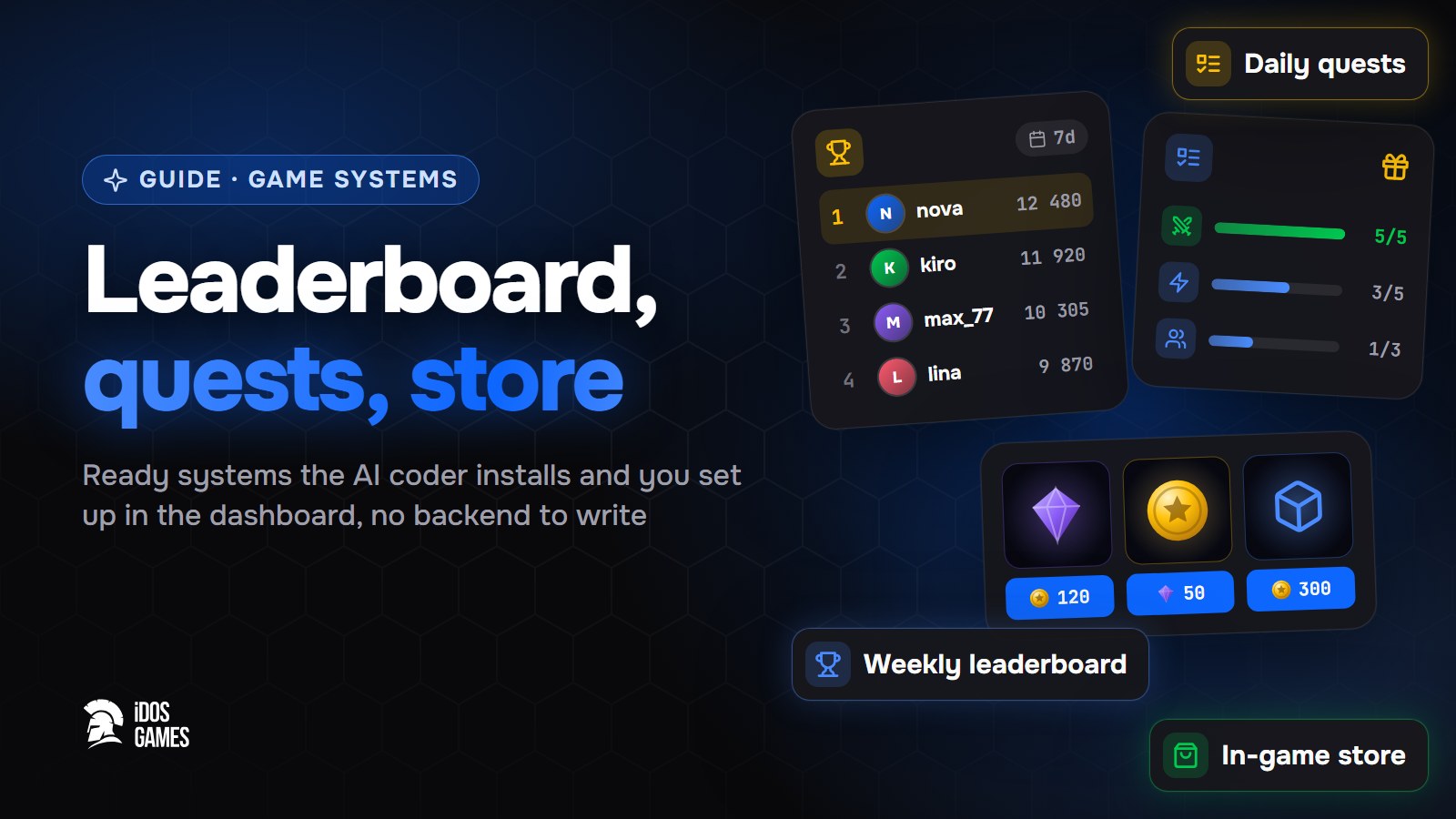 Games with AIHow to add a leaderboard, quests and a store to a web gameHow to add a weekly leaderboard, daily quests and an in-game store to a browser game without writing a backend: ready systems that the AI coder installs and you set up in the dashboard.Aidos Ryskeldinov2 min read
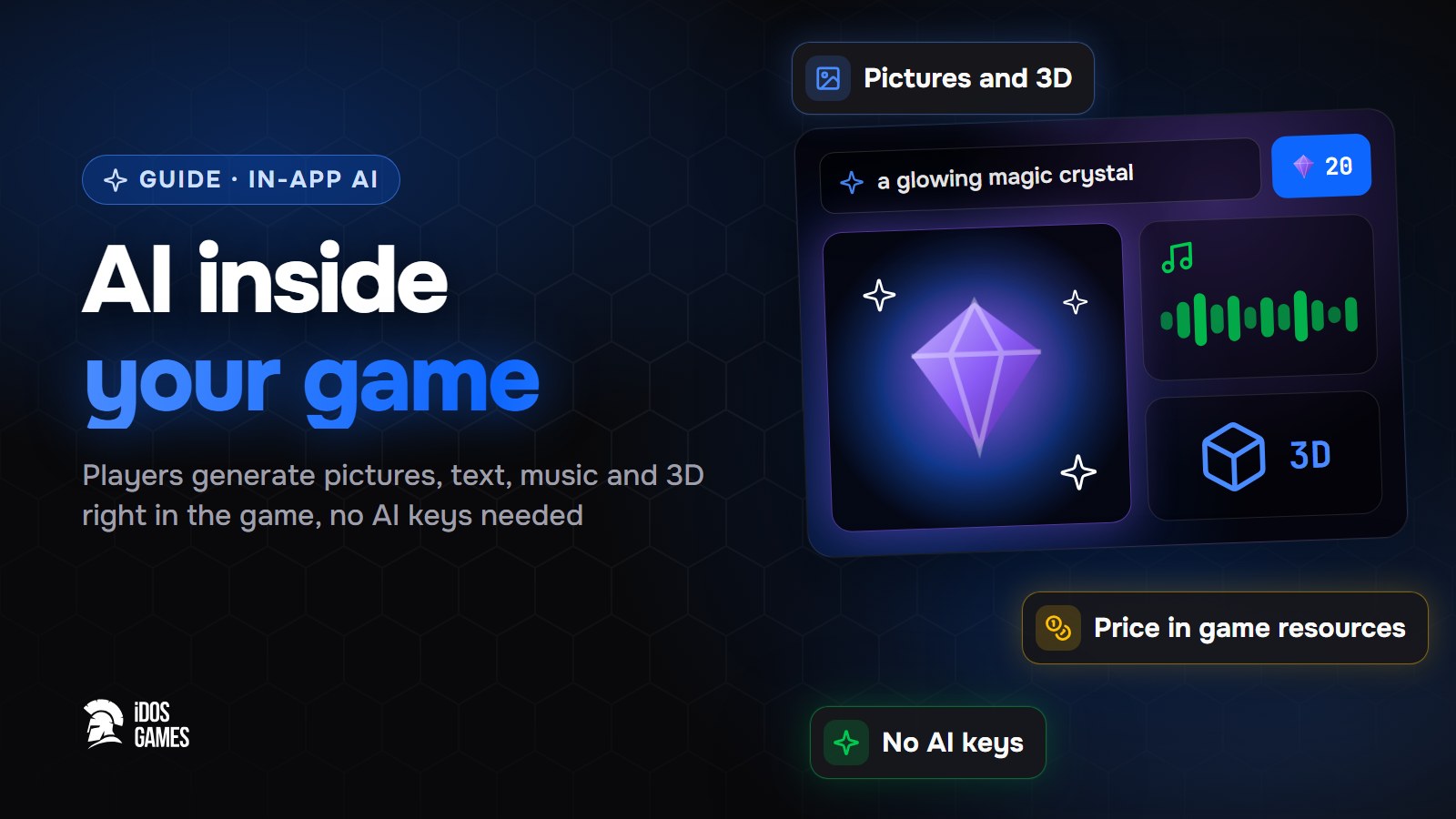 Games with AIHow to add AI inside your game: pictures, text and 3D for playersHow to let players generate pictures, text, voice, music, video and 3D models right inside your browser game - without your own AI keys or server, with a price in game resources that you set.Aidos Ryskeldinov2 min read
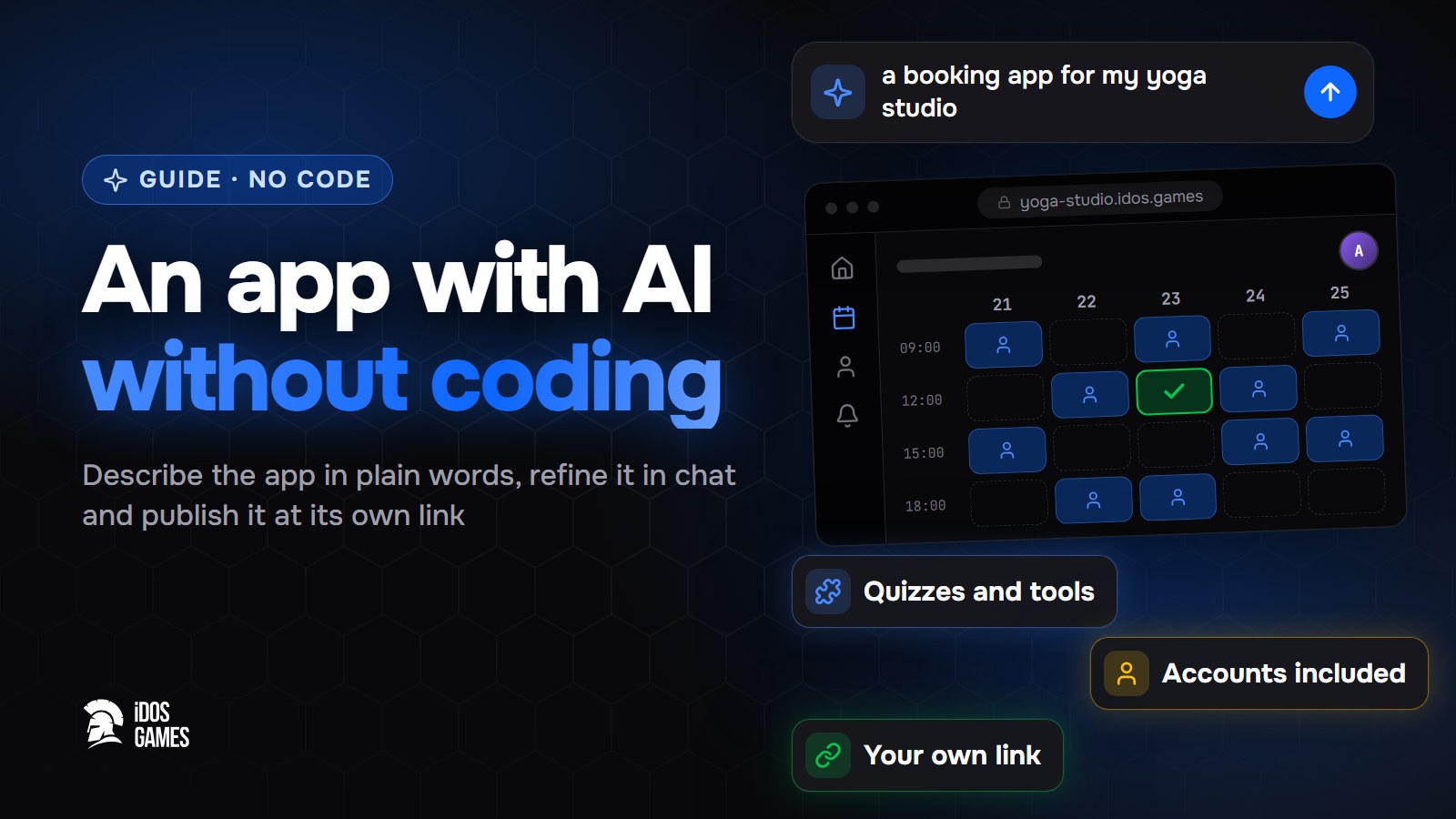 Games with AIHow to build an app with AI without codingA step-by-step guide to building a web app with AI and no programming: describe it in plain words, refine it with the AI coder in a live preview and publish it at its own link.Aidos Ryskeldinov2 min read