

How to make a browser game and publish it online
From an idea to a browser game with its own link: build it with AI, check a test version, deploy it for players, connect your own domain and list it in the idosgames.com catalog.
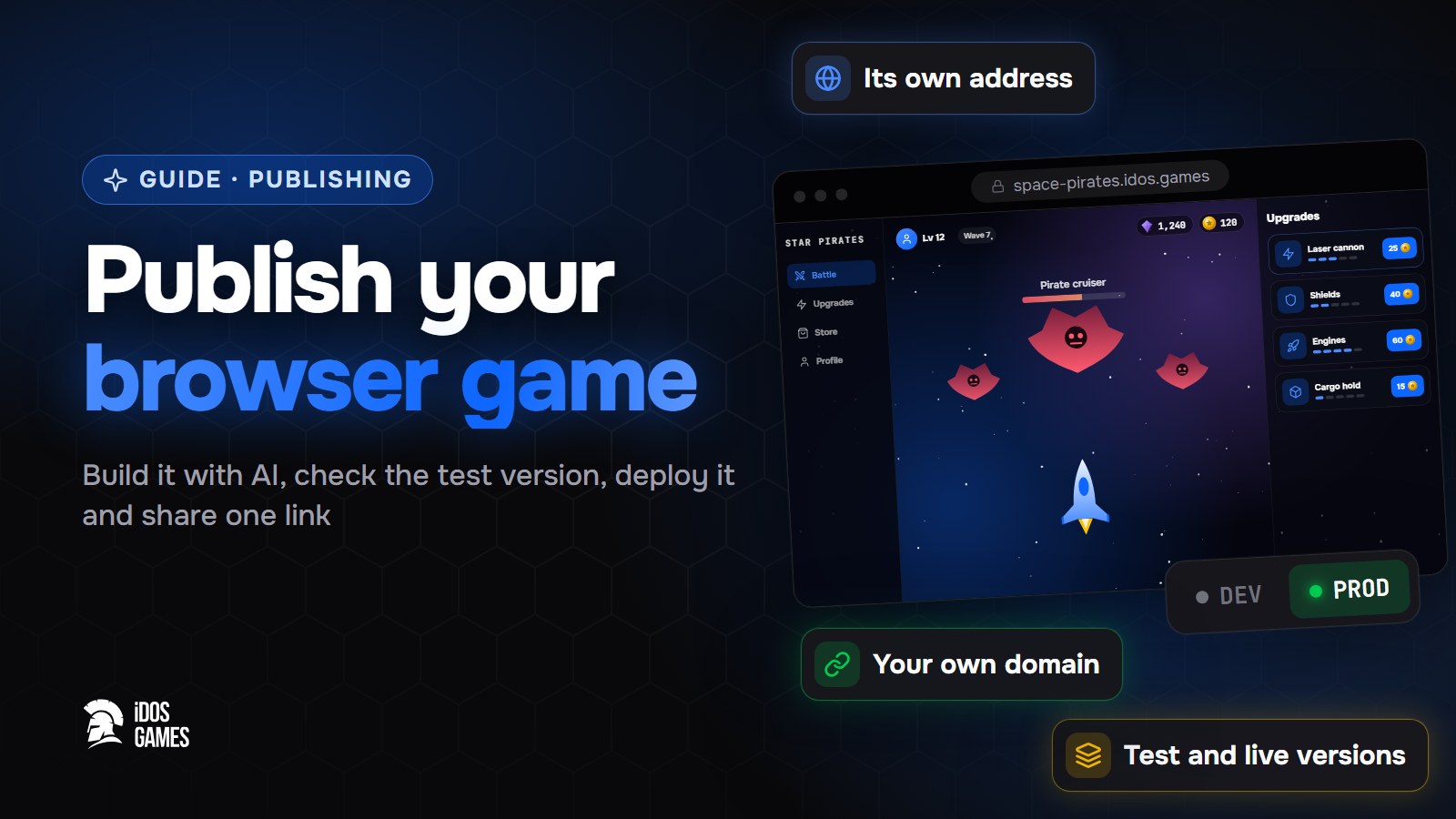
To make a browser game and publish it, build it on iDos Games, check the test version and deploy it: the game opens at its own address that you can share right away. When you are ready to show it to everyone, you publish it to the idosgames.com catalog, and later you can connect your own domain.
A browser game is the easiest kind of game to share: one link, no install, it runs on desktop and phone. What usually takes time is not the game but the hosting, the domain and the updates. Here they come with the project.
Step 01Build the game
Open Create, describe the idea and answer a few questions. The AI coder builds a playable project; you change it by chatting - see create with AI. For a very small game the platform starts from the minimal template.
Step 02Check the test version
What you build in the AI coder is the test version. It opens at its own test address, for example
abcd1234-dev.idos.games, and does not affect players. Open it on your phone too.
Step 03Deploy it for players
In the version history press "Deploy to prod". The build you tested goes live as it is - nothing is rebuilt on deploy. Your game now opens at its own address:
| Address | What opens there |
|---|---|
{id}.idos.games | The live game |
{id}-dev.idos.games | The test version |
idosgames.com/app/{id} | The game page in the catalog: play, about, comments |
Step 04Publish to the catalog
The catalog page appears when you publish the game to the catalog in the dashboard. Until then the live address works on its own, so you can test with friends first.
Step 05Connect your own domain
On paid plans add a domain such as play.yourgame.com in the dashboard, create the DNS records it shows, and the
game opens at your domain. More - in publishing and sharing.
Updates
Every next deploy replaces the live version for everyone. Game settings (store, quests, economy) are sent to the live game as a separate action, so a code release never overwrites them by accident.

About the author
Aidos RyskeldinovFounder of iDos Games
Lifelong gamer and tech enthusiast. Since 2020 I have been building and shipping cross-platform games and apps, and today I'm building iDos Games: a platform where anyone can make a game with AI, put it live at its own link and earn from it. Here I share how to make games faster and easier than you'd think.
Frequently asked questions
Where can I publish a browser game for free?
On iDos Games every game gets its own address on idos.games and can be listed in the idosgames.com catalog. Players open it in the browser, nothing to install.
Can I use my own domain?
Yes, on paid plans. You add the domain in the dashboard and confirm it with a DNS record.
What if a new version breaks the game?
Open the version history and deploy the previous version again. Rollback is one click.
Learn more in the documentation
- Publish and share your game or appHow publishing works on iDos Games - a test version and a live version, your app's own address, a page in the catalog, custom domains and one-click rollback.
- Create a game or app with AIHow to turn an idea into a working browser game or app on iDos Games - describe it, answer a few questions, then refine it with the AI coder in a live preview.
- The minimal template: a mini-game your game replacesThe minimal iDos Games template - a 15-second "catch the stars" game with a leaderboard score and rounds that count for quests, events and the season. It shows how a game plugs into the base and is meant to be replaced by your game.
Make your own game
Describe the idea in a sentence - the AI coder builds it, and it goes live at its own link.
All articles
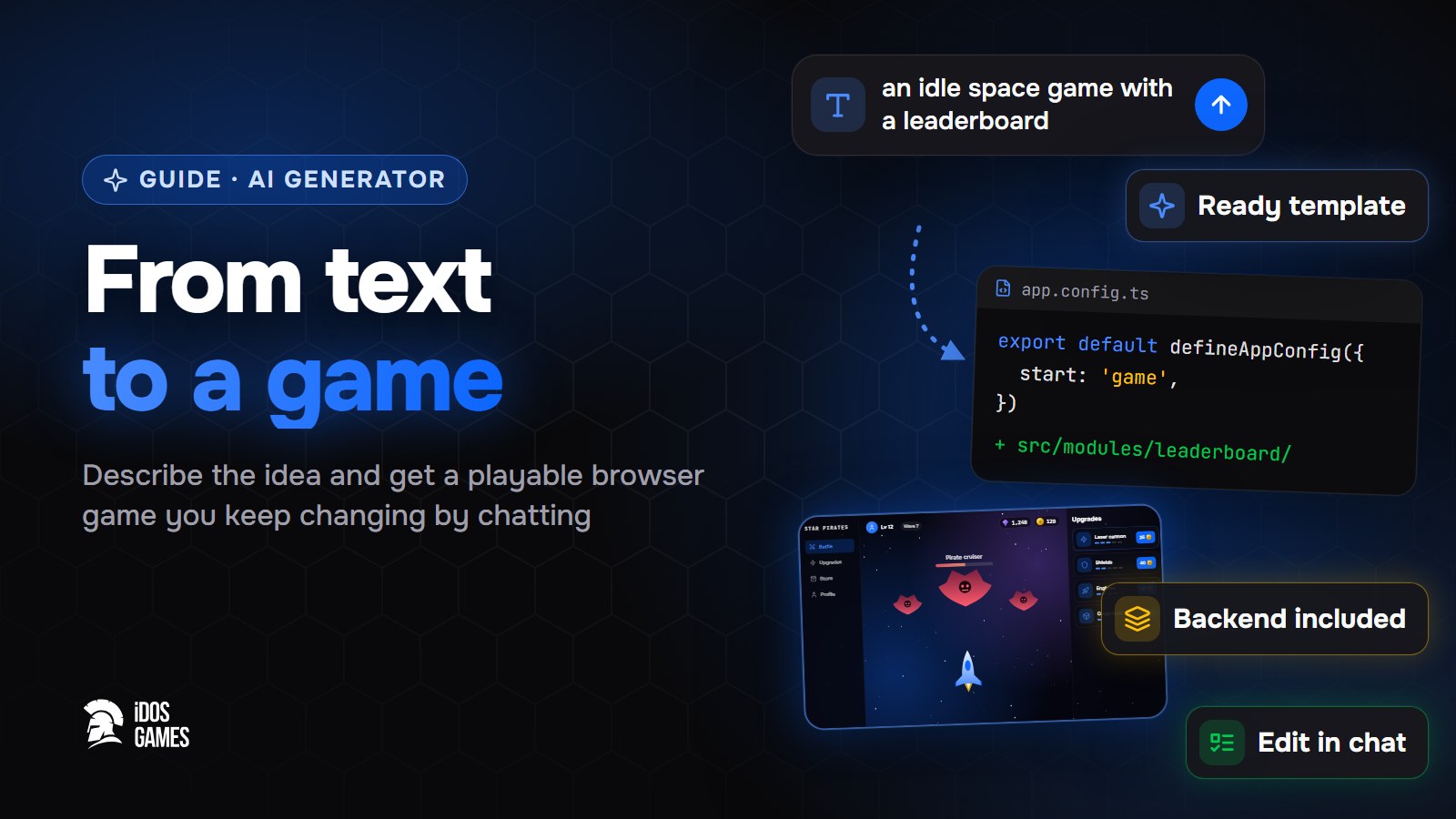 Games with AIAI game generator: from text to a playable gameWhat to look for in an AI game generator and how a text description becomes a playable browser game on iDos Games - a ready template, an AI coder you talk to, a backend and publishing included.Aidos Ryskeldinov1 min read
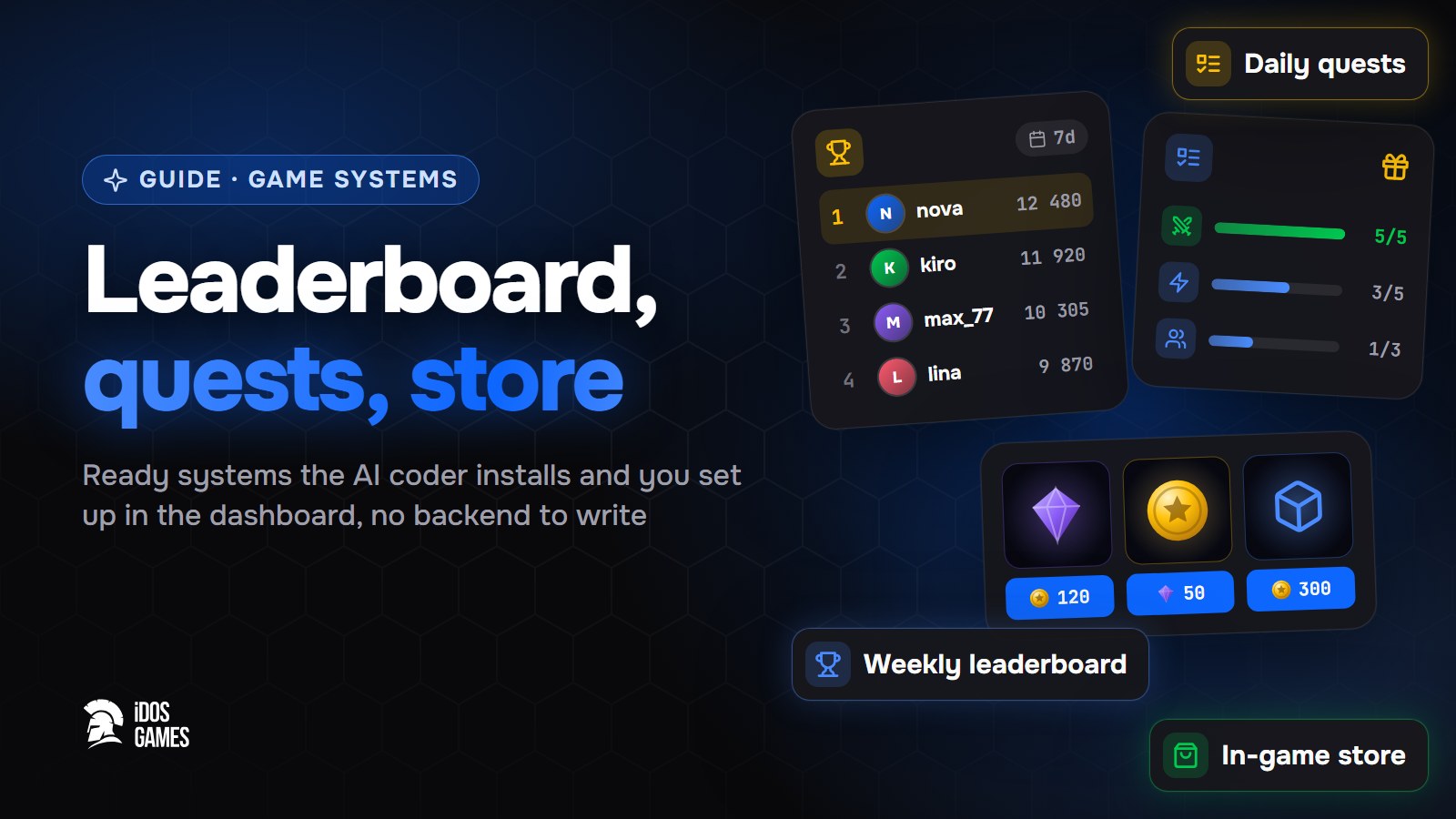 Games with AIHow to add a leaderboard, quests and a store to a web gameHow to add a weekly leaderboard, daily quests and an in-game store to a browser game without writing a backend: ready systems that the AI coder installs and you set up in the dashboard.Aidos Ryskeldinov2 min read
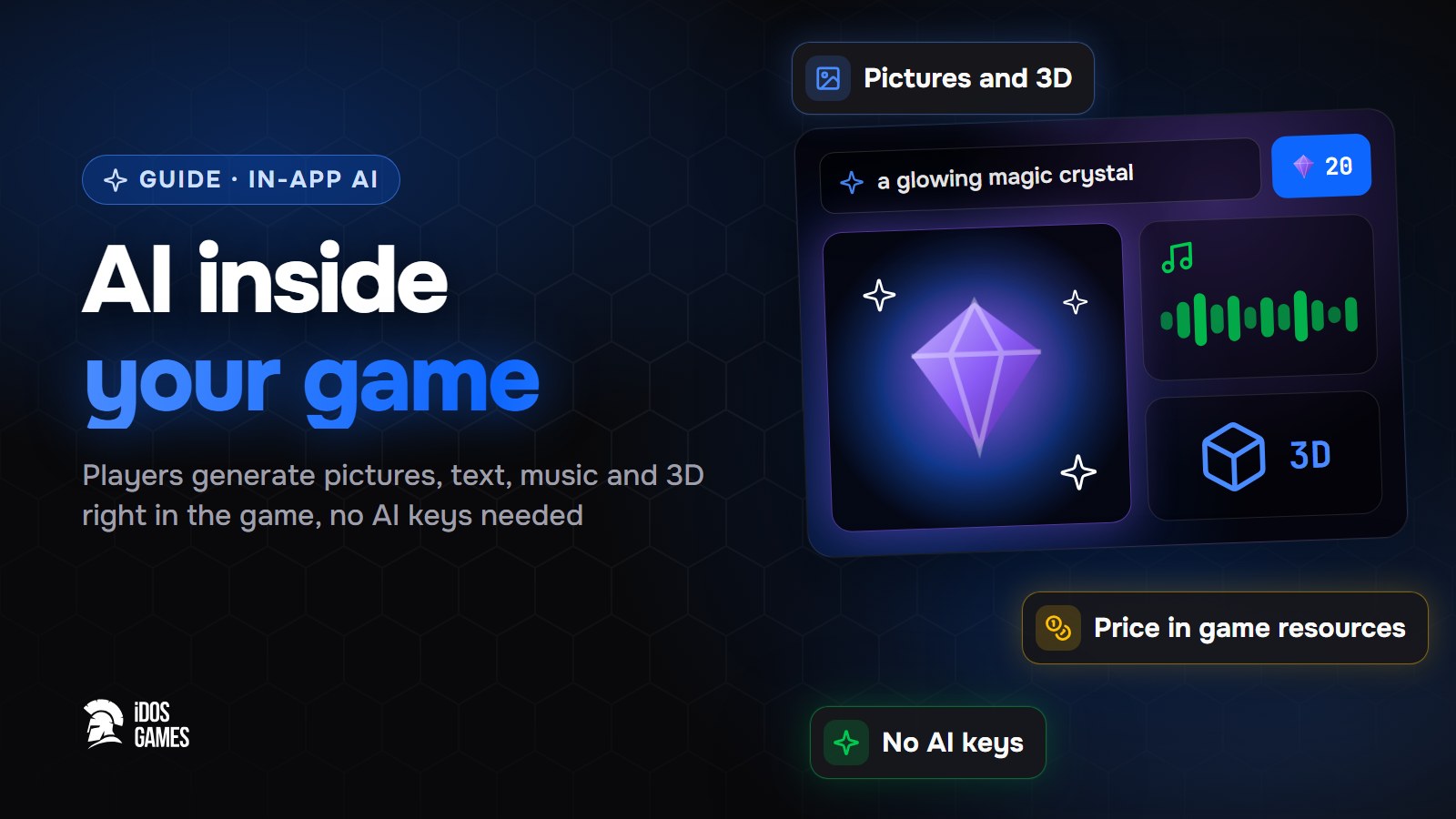 Games with AIHow to add AI inside your game: pictures, text and 3D for playersHow to let players generate pictures, text, voice, music, video and 3D models right inside your browser game - without your own AI keys or server, with a price in game resources that you set.Aidos Ryskeldinov2 min read