

How to build an app with AI without coding
How to build an app with AI without coding: describe it in plain words, refine it with the AI coder in a live preview, publish it at its own link.
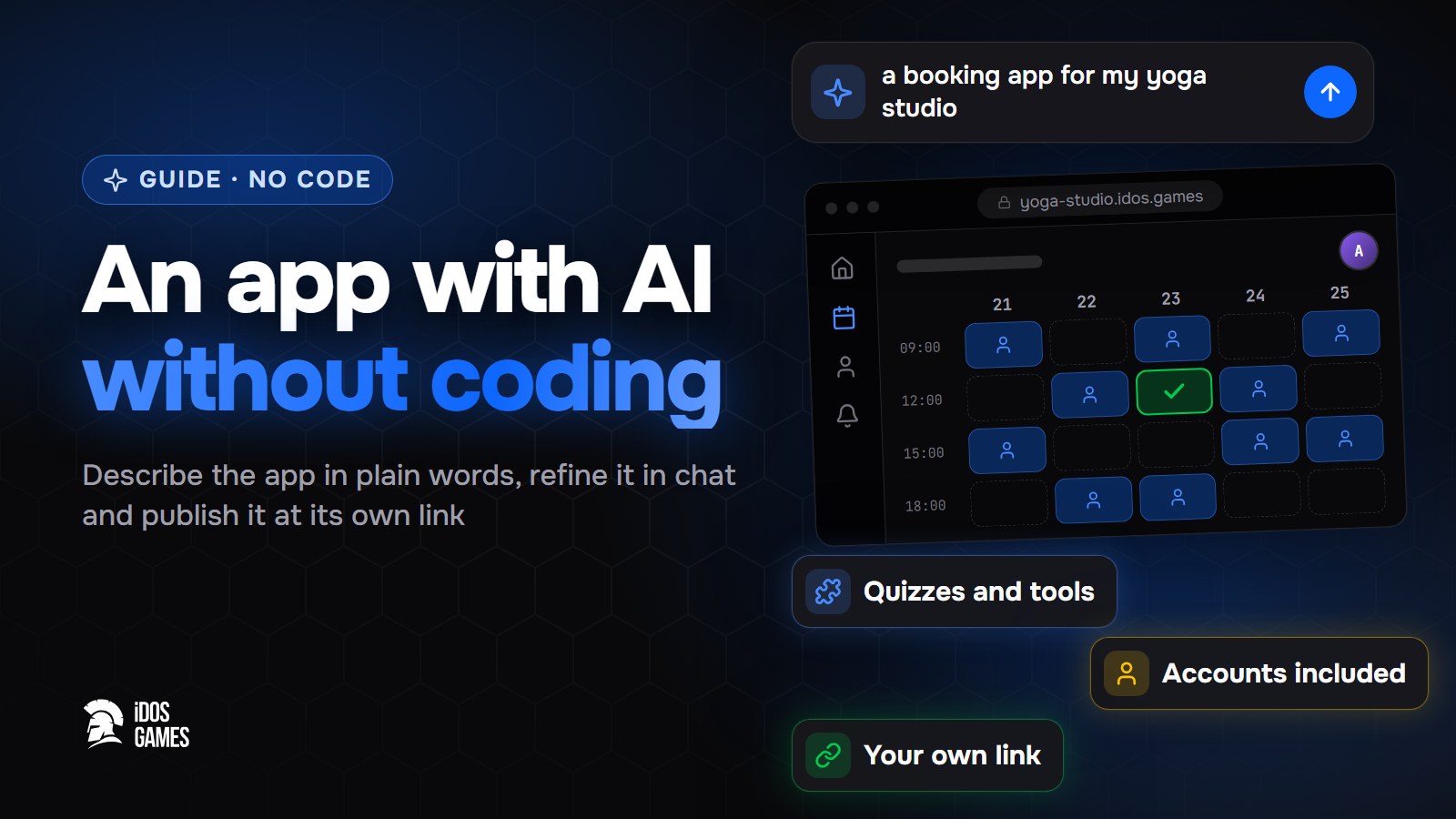
To build an app with AI without coding, describe it on iDos Games in plain words, answer a few questions and let the AI coder build it; then refine it by chatting and publish it at its own link. Users open the app in the browser, and sign-in, saved user data and hosting are already part of the project, so there is no server or database to set up.
Most guides on this topic describe the same loop: write a prompt, get a draft, fix it in conversation. The loop is right, but a draft that looks like an app is not yet an app. It also needs accounts, data that survives a reload, a place to live on the internet and a way to ship changes without breaking it. Below is the whole path, including those parts.
What kind of apps you can build
- Quizzes and tests: "a quiz about world capitals with a score and a timer".
- Tools: calculators, converters, habit and budget trackers.
- Generators: an app where users create pictures, text, voice or music with AI.
- Reference apps: guides, catalogs, collections with search.
The idosgames.com catalog has sections for tools, generative AI and productivity next to games, so an app gets the same page and audience as a game.
Step 01Describe the app
On Create write what the app should do, for example "a quiz app about world capitals". A sentence or two is enough to start. Say who it is for and what the user does on the first screen; the details come later.
Compare two openings. "Make me a quiz app" gives the AI coder nothing to hold on to. "A quiz for students about world capitals: ten questions, four answers each, a score at the end" already describes the first screen, the rules and the result, and the first version comes out much closer to what you want.
Step 02Answer a few questions
The platform asks a few short questions and creates the project. Sign-in and user data are already in it, and the project opens in the AI coder with a live preview.
Step 03Refine it by chatting
In the AI coder ask for one change at a time and check the preview:
- "Add a timer for every question."
- "Show the best result of the user on the start screen."
- "Make the design light and minimal."
Every change is saved as a version you can go back to, so a bad step costs one click. Tips are in create with AI.
Step 04Test and publish
Check the test version at {id}-dev.idos.games, then deploy the app: it opens at its own address
{id}.idos.games, and you can list it in the catalog. Every next release replaces the live version, and you can roll
back. See publishing.
Example: a quiz in one evening
The first request: "a quiz for students about world capitals: ten questions, four answers each, a score at the end". A few minutes later you can already answer questions in the preview. Then one request at a time: a timer per question, the best result on the start screen, a leaderboard by score, a light theme. Each request is one version; if the timer turns out too strict, ask to soften it or go back one version. By the end of the evening the quiz is checked at the test address and open at its own link.
What is already inside every project
- Sign-in with an iDos Games account; one account works across all apps on the platform.
- Saved data: a user's progress and settings stay after a reload and on another device.
- Ready systems such as a profile, quests, mail and friends, plus a store, leaderboards and more when you ask for them. The AI coder installs the ready system instead of writing new code.
- Hosting at the app's own address, with a test copy next to it. A custom domain is available on paid plans.
Add AI for your users
An app built by AI can also give AI to its users. A generator app is the clearest case: the user writes a request and gets a picture, a text or a track. You set this up as in-app AI: the prompts and models stay on the server, you need no AI keys, and you choose whether users pay for generations or get them free within a limit.
"A fox knight in golden armor, cartoon style"
What it costs
You start on the Free plan, which gives AI credits for the AI coder for a month. The AI coder has two modes, Fast and Standard: Fast answers sooner and suits small changes, Standard takes longer and handles bigger ones better. Paid plans add more credits and options such as a custom domain. Users of your app pay nothing to open it.
How to choose an AI app builder
Whatever tool you use, check five things before you commit:
- Accounts and data. Can users sign in, and does their data stay after a reload?
- Hosting. Does the app get a real address, or only a preview inside the builder?
- Versions. Can you go back after a change breaks something?
- The code. Can you take the code and edit it yourself if you outgrow the chat?
- Limits. How many requests does the plan allow per day or month?
On iDos Games the answers are yes, a real address, yes, yes (ordinary TypeScript you can edit, connect to GitHub or work on with your own agent), and AI credits per plan.
Mistakes to avoid
- Describing everything at once. A small working version first, then one change at a time.
- Skipping the test version. Check every release at the
-devaddress before players or users see it. - Rebuilding what exists. Ask for "a leaderboard" or "a shop" and let the AI coder use the ready system.
If your app is closer to a game, the same path is described in how to make a game with AI. More about the platform is in what is iDos Games.

About the author
Aidos RyskeldinovFounder of iDos Games
Lifelong gamer and tech enthusiast. Since 2020 I have been building and shipping cross-platform games and apps, and today I'm building iDos Games: a platform where anyone can make a game with AI, put it live at its own link and earn from it. Here I share how to make games faster and easier than you'd think.
Frequently asked questions
Is iDos Games only for games?
No. The AI coder builds apps too: quizzes, tools, generators, reference apps. The catalog has sections for apps next to games.
Do users need to install the app?
No. The app runs in the browser on desktop and phone at its own address.
Can I add AI features to the app itself?
Yes. In-app AI lets users generate text, pictures, voice, music and more right in the app, without your own AI keys.
Can I edit the code myself later?
Yes. The project is ordinary TypeScript code: edit it in the dashboard, connect GitHub or work on it with your own AI agent over MCP.
Learn more in the documentation
- Create a game or app with AIHow to turn an idea into a working browser game or app on iDos Games - describe it, answer a few questions, then refine it with the AI coder in a live preview.
- What is iDos GamesiDos Games is a platform where you describe a game or app in plain words, an AI coder builds it, and it goes live in the browser with its own link - optionally with your own token.
- Publish and share your game or appHow publishing works on iDos Games - a test version and a live version, your app's own address, a page in the catalog, custom domains and one-click rollback.
Make your own game
Describe the idea in a sentence - the AI coder builds it, and it goes live at its own link.
All articles
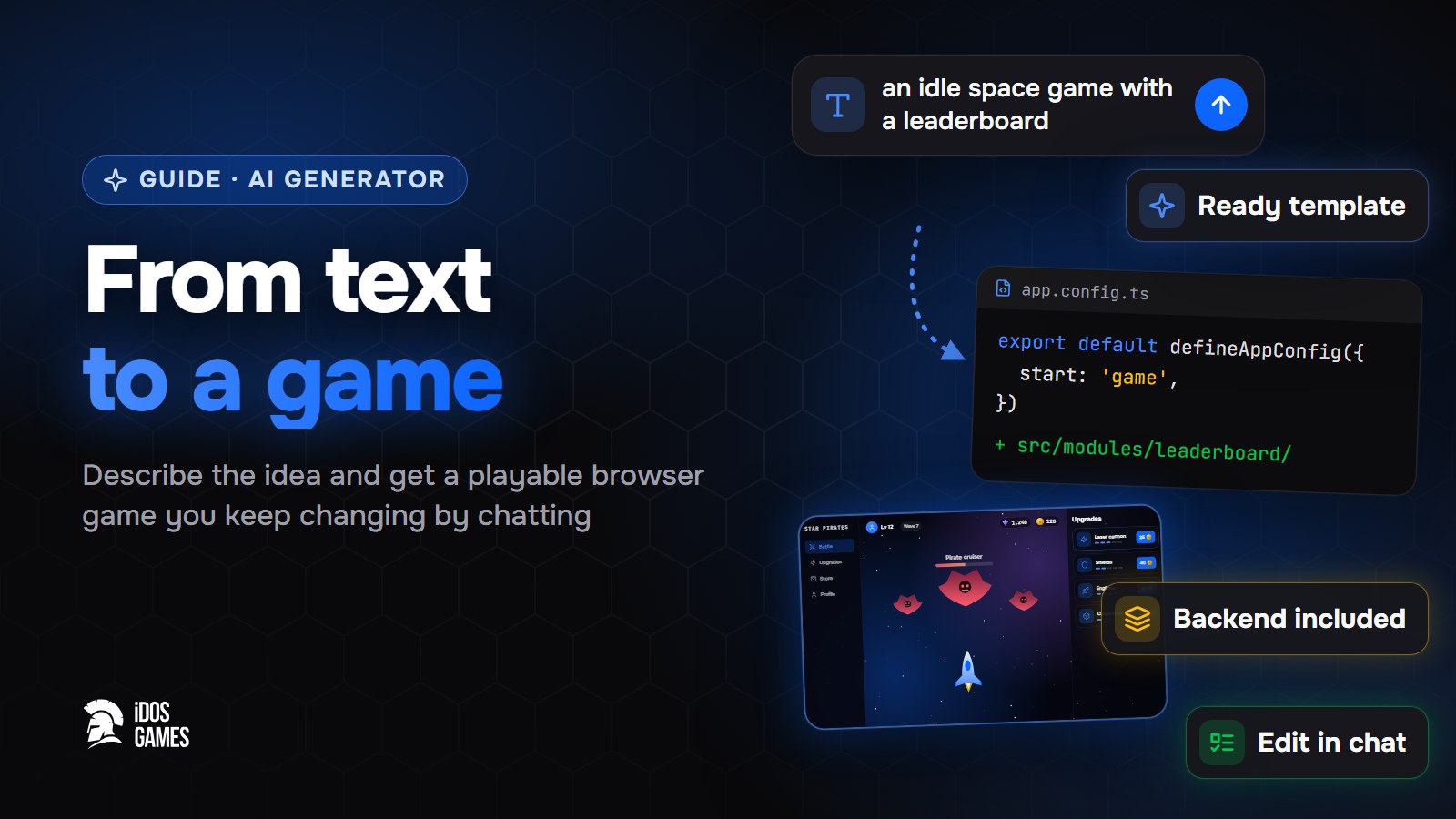 Games with AIAI game generator: from text to a playable gameHow an AI game generator turns a text description into a playable browser game: what to check in one, ready templates, seven constructor genres and publishing.Aidos Ryskeldinov5 min read
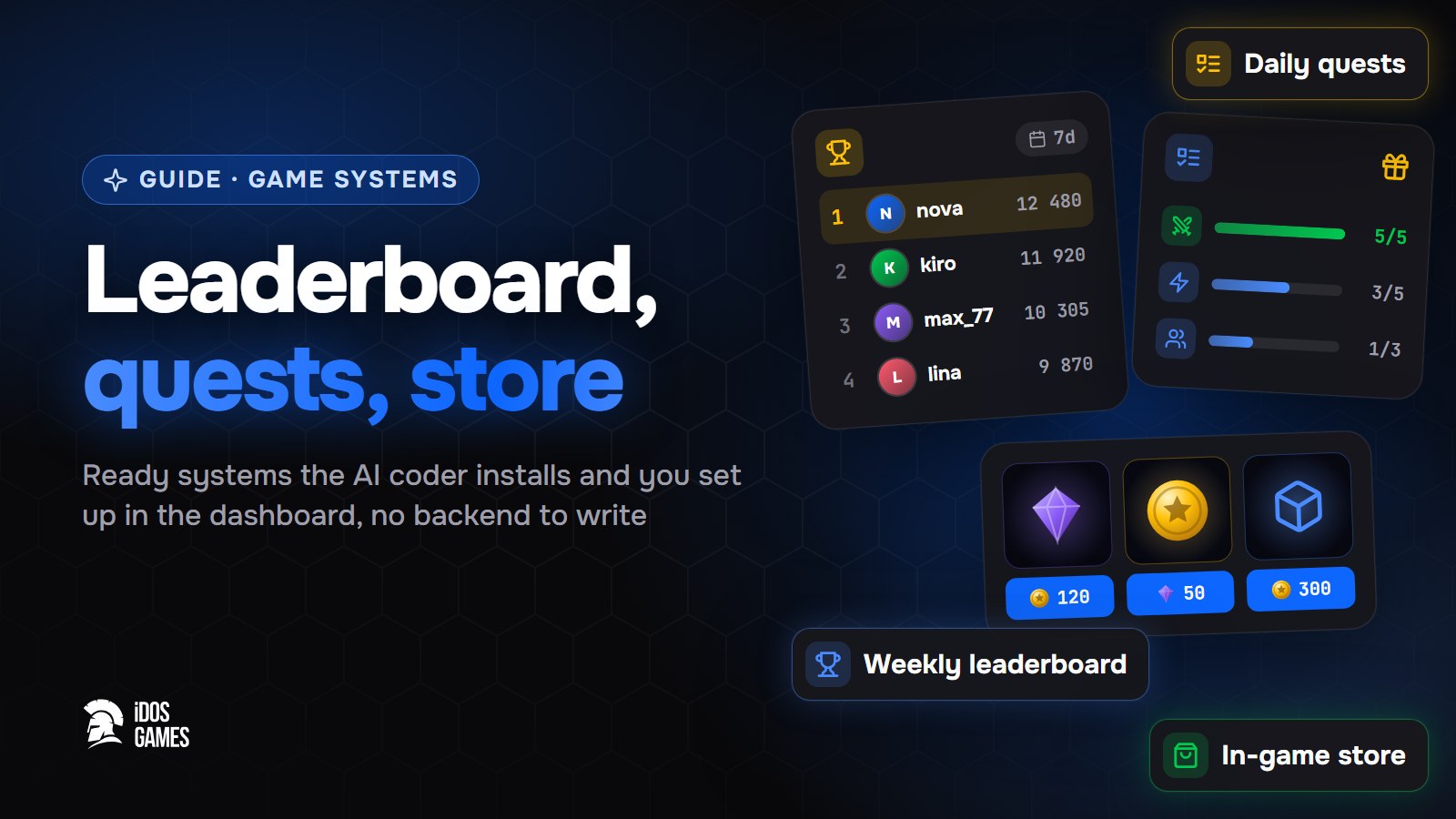 Games with AIHow to add a leaderboard, quests and a store to a web gameHow to add a leaderboard to a web game that players cannot cheat, plus daily quests and a store with server-checked prices. No backend to write.Aidos Ryskeldinov5 min read
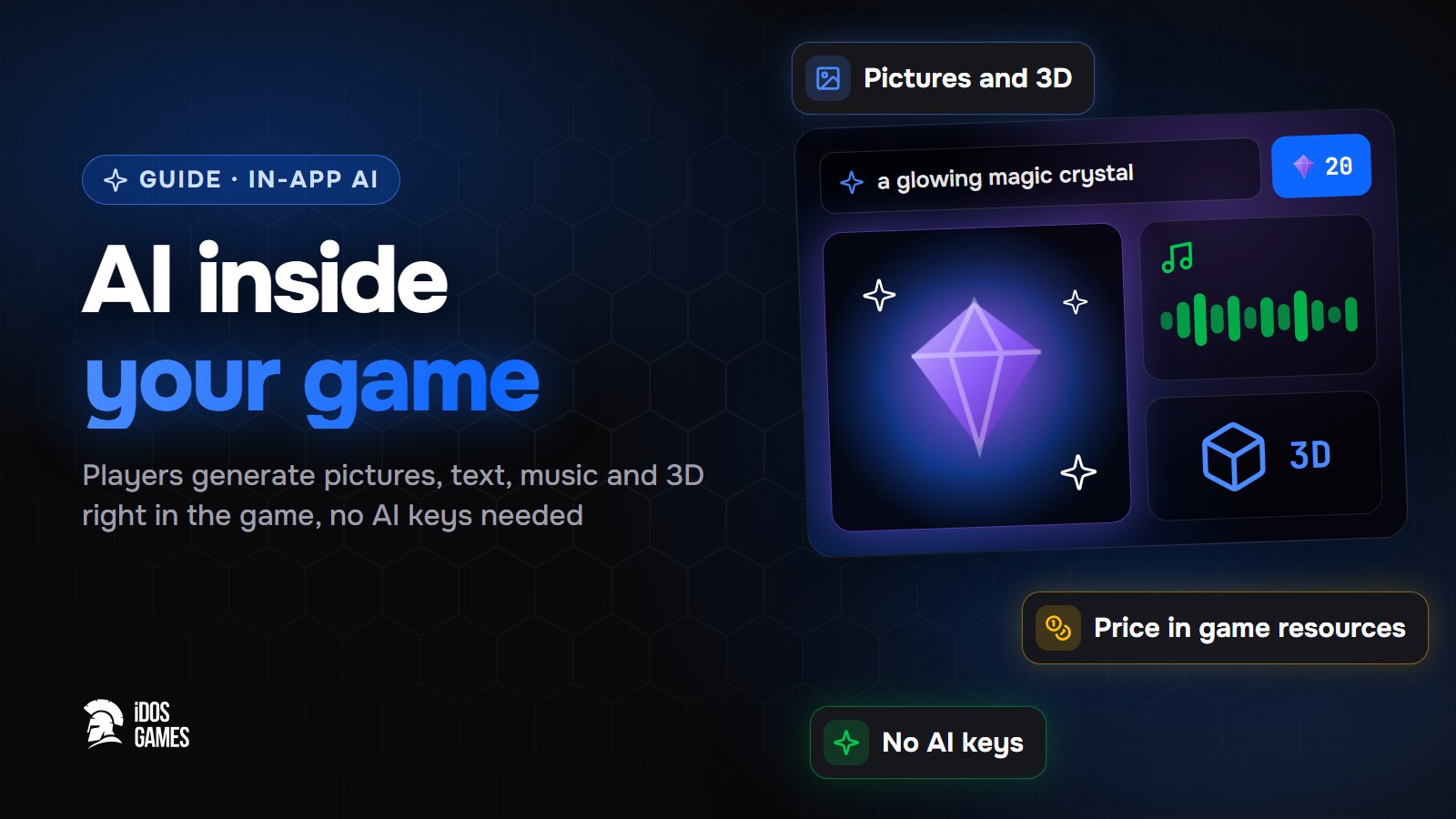 Games with AIHow to add AI to your game: pictures, text and 3DHow to add AI to your game so players generate pictures, text, voice, music, video and 3D in it, without your own AI keys or server, at a price you set.Aidos Ryskeldinov6 min read