

How to launch a token for your game
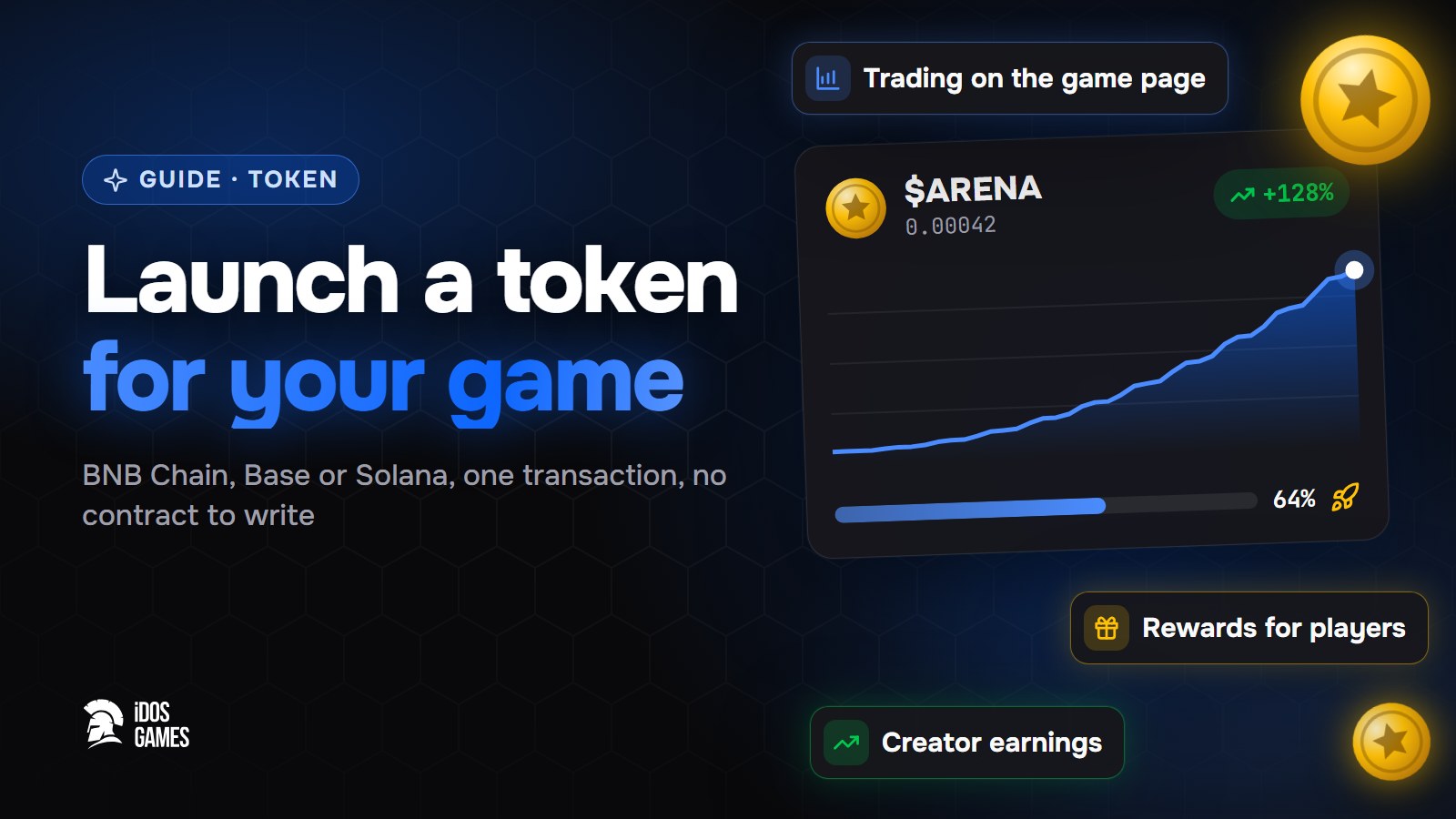
How to add your own token to a browser game on BNB Chain, Base or Solana without writing a contract: launch it from the wizard, let players trade it on the game page and reward them from the reward pool.
Crypto tokens are volatile and can lose all of their value. This page explains how the platform works and is not financial advice.
To launch a token for your game, open the game on iDos Games, choose to launch a token, pick BNB Chain, Base or Solana and confirm one transaction in your wallet. The token trades on the game page from the first minute, players can earn it as a reward, and part of the trading fees goes to you as the creator.
A token turns players into holders: they can buy it, earn it in the game and sell it. You do not need a contract, an exchange listing or a separate website for this - the game page is the trading page.
What you need
- A game on iDos Games - a new one or one you already published.
- A crypto wallet for the chosen network and a little of its coin for the network fee.
- The token name, ticker and image.
Step 01Start the launch
Open your game and choose to launch a token for it, or answer "yes" to the token question when you create a new game.
Step 02Choose the network and the details
Pick BNB Chain, Base or Solana, enter the name, ticker and image and, if you like, make the first purchase yourself.
Step 03Confirm the transaction
Connect the wallet and confirm. The token, its curve and the link to your game are created in that one transaction; the platform checks the launch before the token appears in the catalog. Details - in launching a token.
How trading works
The token starts on a bonding curve: the price rises as players buy and falls as they sell. When the curve is filled, liquidity moves to a DEX automatically, and the game page keeps showing the price and the trading panel.
Rewards for players
Players earn token rewards in the game, and the rewards are paid from the platform reward pool. The game tops the pool up, and players withdraw what they earned to their own wallet on the game page.
Your earnings
Part of the fee on every trade of your token goes to you. The earnings page in the dashboard shows what has accumulated on every network, and you withdraw it to the wallet confirmed in your account.

About the author
Aidos RyskeldinovFounder of iDos Games
Lifelong gamer and tech enthusiast. Since 2020 I have been building and shipping cross-platform games and apps, and today I'm building iDos Games: a platform where anyone can make a game with AI, put it live at its own link and earn from it. Here I share how to make games faster and easier than you'd think.
Frequently asked questions
Can I add a token to a game that already exists?
Yes. You can create a game without a token and launch the token for it later from the same wizard.
Do I need to write a smart contract?
No. The token and its trading curve are created by the platform contracts; you only confirm one transaction in your wallet.
How do players earn the token?
The game rewards players from the platform reward pool, and players withdraw what they earned to their own wallet from the game page.
Learn more in the documentation
- Launch a token for your game or appHow to launch your app's own token on BNB Chain, Base or Solana from the iDos Games creation wizard - the bonding curve, trading on the app page, moving to a DEX and creator earnings.
- Bonding curveA bonding curve is a formula that sets a token's price from how many tokens have been bought - the price rises with every purchase and falls with every sale, without an order book.
- Reward poolThe reward pool is the platform's smart contract that holds tokens set aside for player rewards and contest prizes; players withdraw what they earned from it to their own wallet.
Make your own game
Describe the idea in a sentence - the AI coder builds it, and it goes live at its own link.
All articles
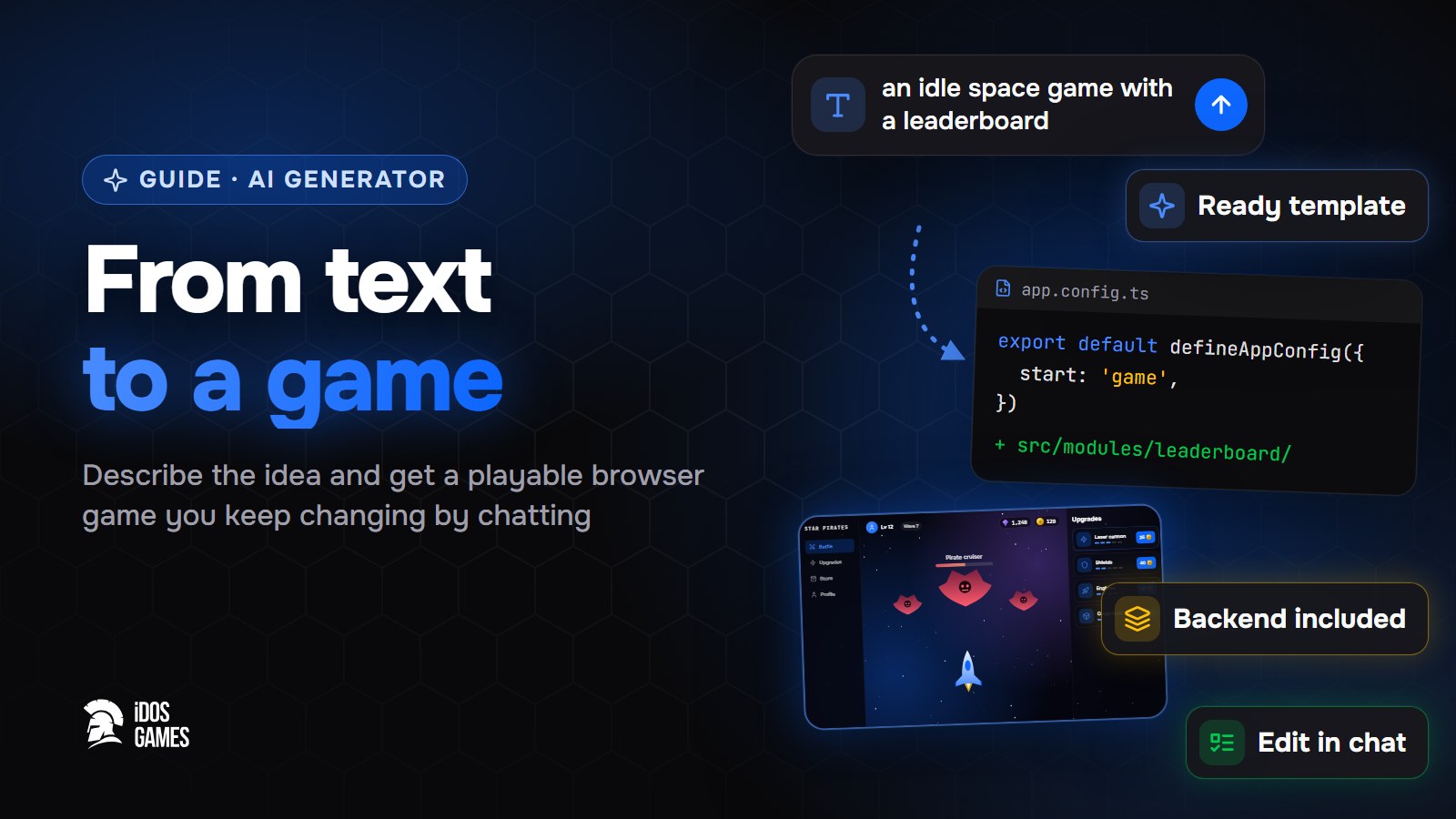 Games with AIAI game generator: from text to a playable gameWhat to look for in an AI game generator and how a text description becomes a playable browser game on iDos Games - a ready template, an AI coder you talk to, a backend and publishing included.Aidos Ryskeldinov1 min read
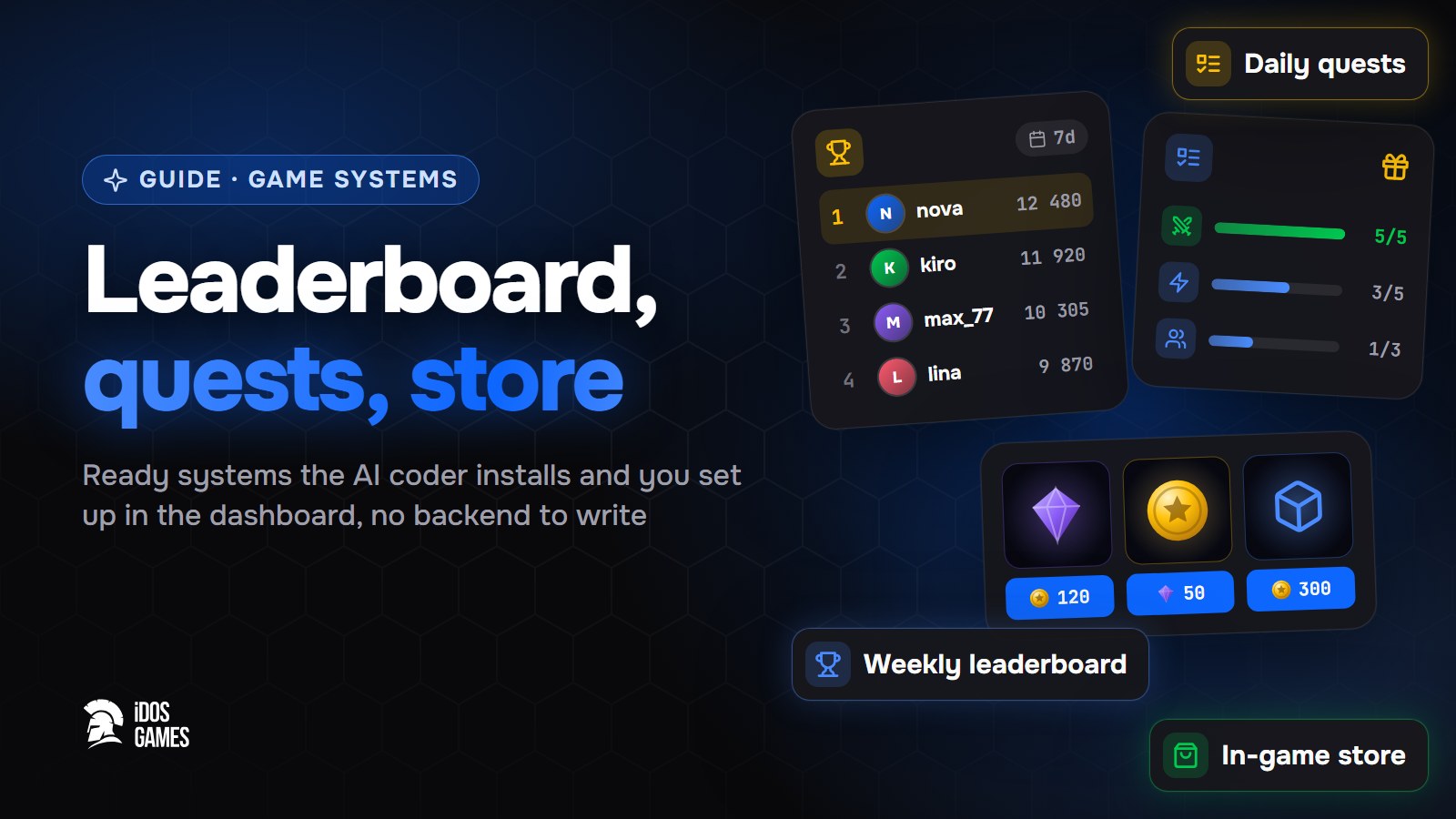 Games with AIHow to add a leaderboard, quests and a store to a web gameHow to add a weekly leaderboard, daily quests and an in-game store to a browser game without writing a backend: ready systems that the AI coder installs and you set up in the dashboard.Aidos Ryskeldinov2 min read
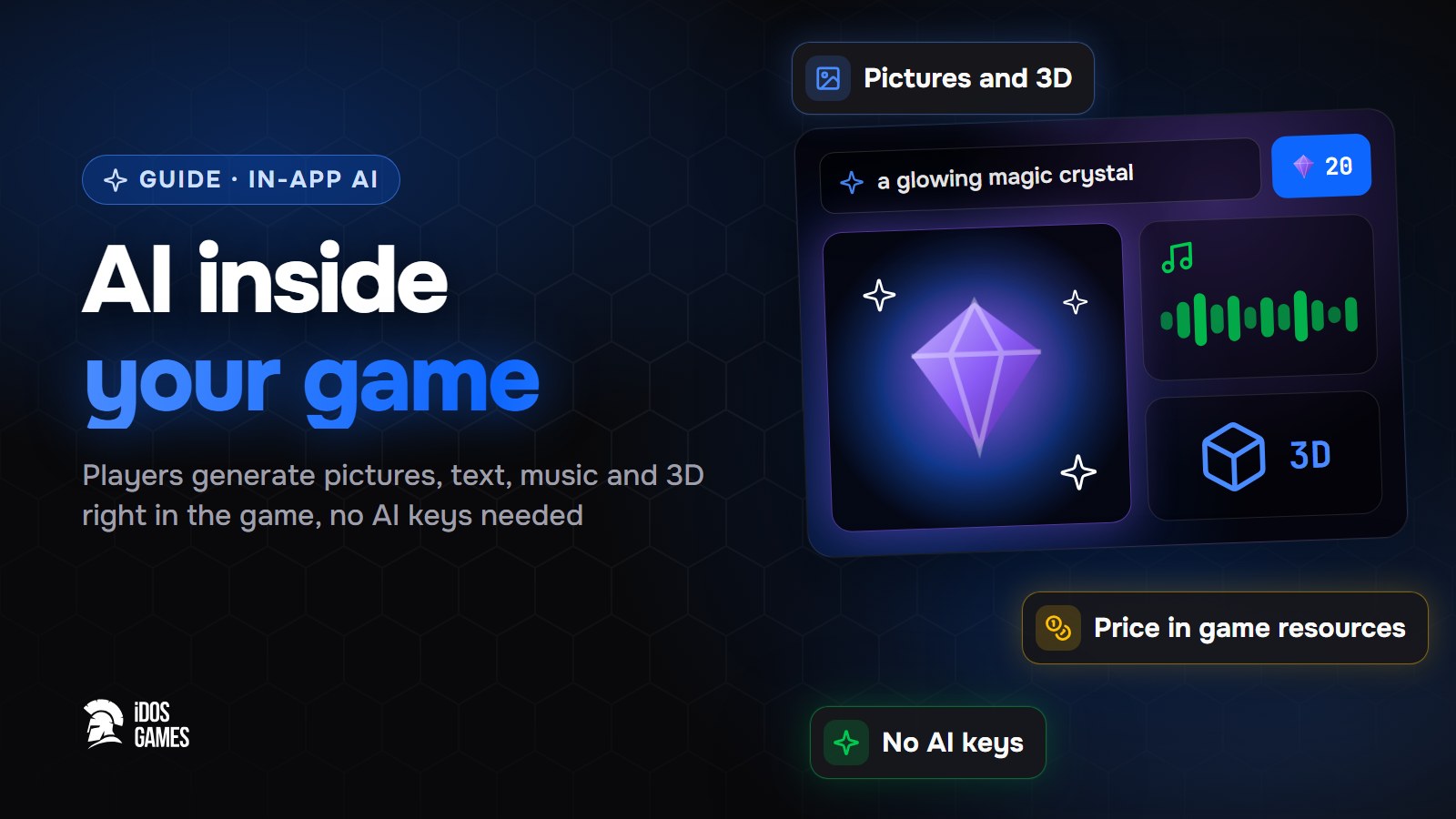 Games with AIHow to add AI inside your game: pictures, text and 3D for playersHow to let players generate pictures, text, voice, music, video and 3D models right inside your browser game - without your own AI keys or server, with a price in game resources that you set.Aidos Ryskeldinov2 min read