

Blog · AI generation
Create with AI
Here we explain AI generators in plain words: which model to pick for a picture, a clip, a song or a 3D model, what a good prompt looks like and what it costs. Every guide links to the AI studio, so you can try it right away.
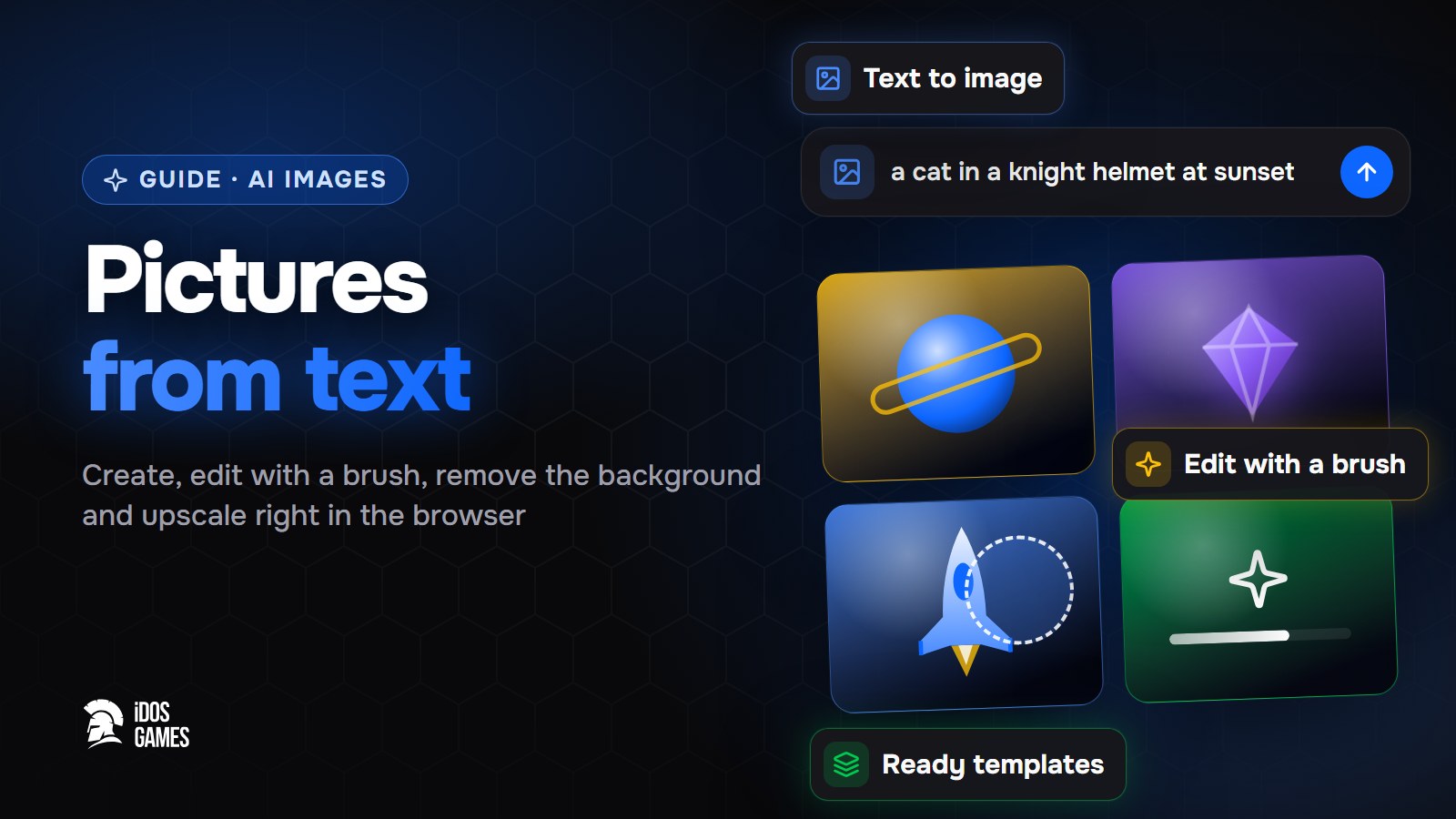 AI generationAI image generator: pictures from text in your browserHow to use an AI image generator in the browser: text to image, photo editing with a brush, templates, prompt tips, modes and what a picture costs.
 Aidos Ryskeldinov5 min read
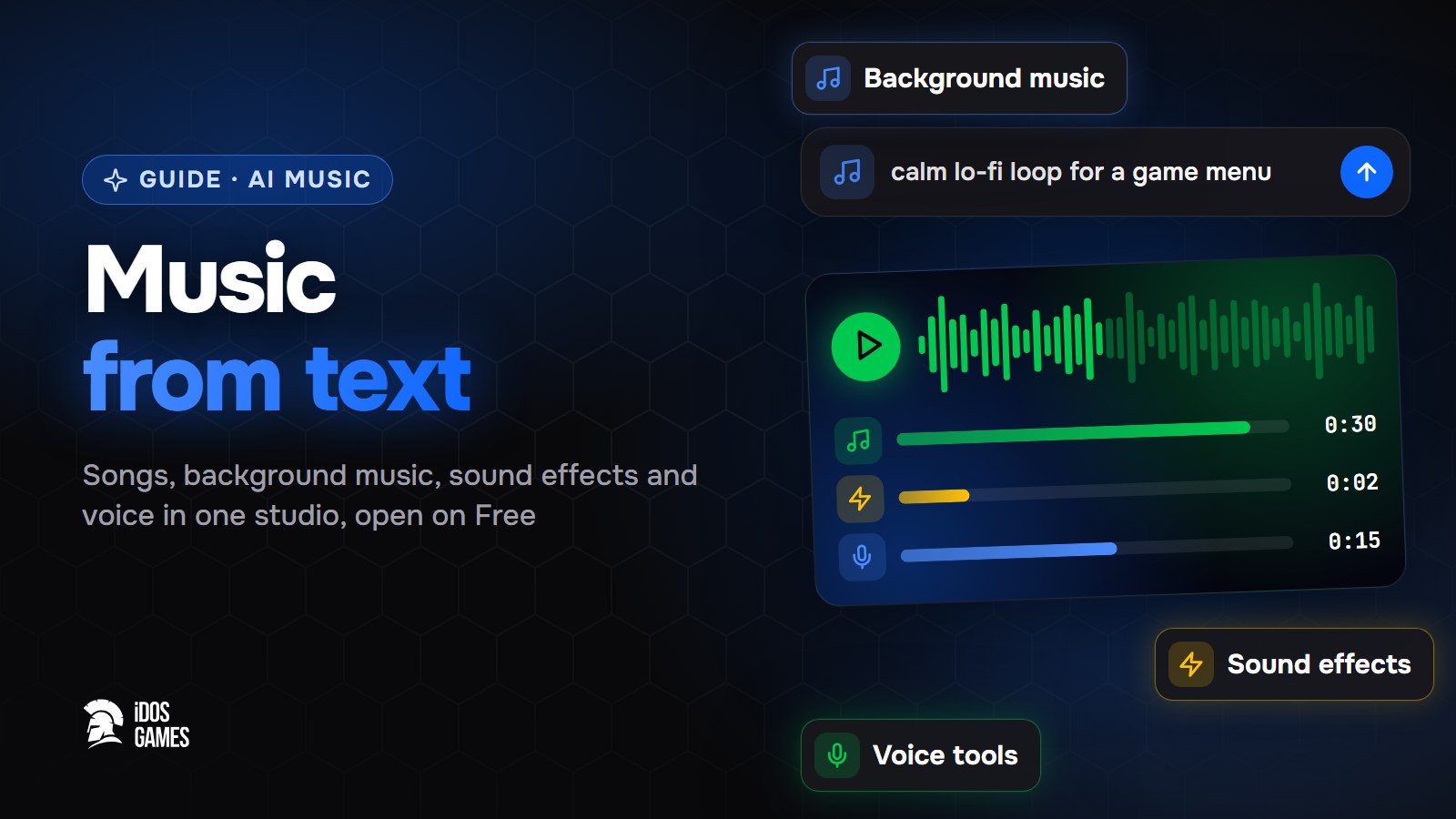 AI generationAI music generator: songs and soundtracks from textHow to use an AI music generator: a song or background music from a description, sound effects, a soundtrack for a reel, voice tools and what a track costs.Aidos Ryskeldinov5 min read
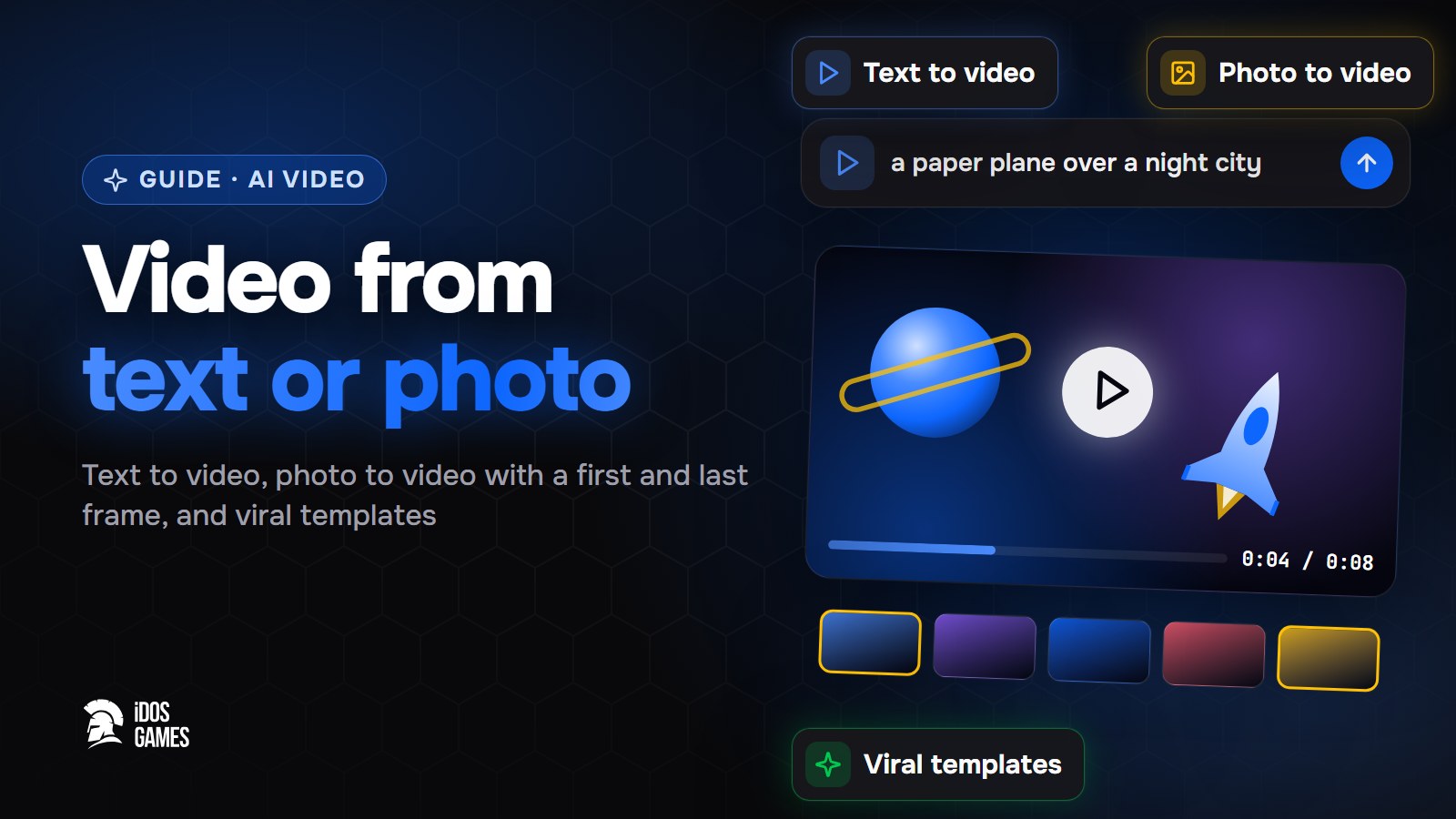 AI generationAI video generator: video from text or a photoHow to use an AI video generator: text to video, photo to video with a first and last frame, viral templates, upscaling, how to describe a shot and the cost.Aidos Ryskeldinov5 min read
Learn more in the documentation
- AI studio: images, video, sound and 3D on the websiteCreate images, videos, voice, music and 3D models right on idosgames.com: photo and voice tools, ready templates where you add your own photo, and a history of everything you made.
- AI inside your game: text, pictures, music and 3D for playersHow the ready-made iDos Games in-app AI works - an AI studio where players generate text, pictures, voice, music, video and 3D through features you open, with a price in game resources - and how to set it up in the dashboard.